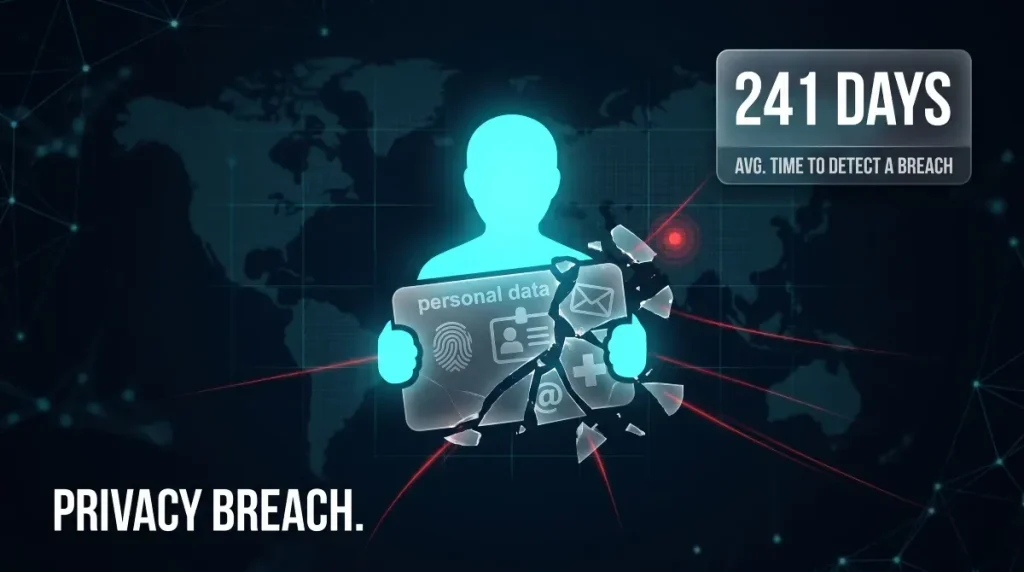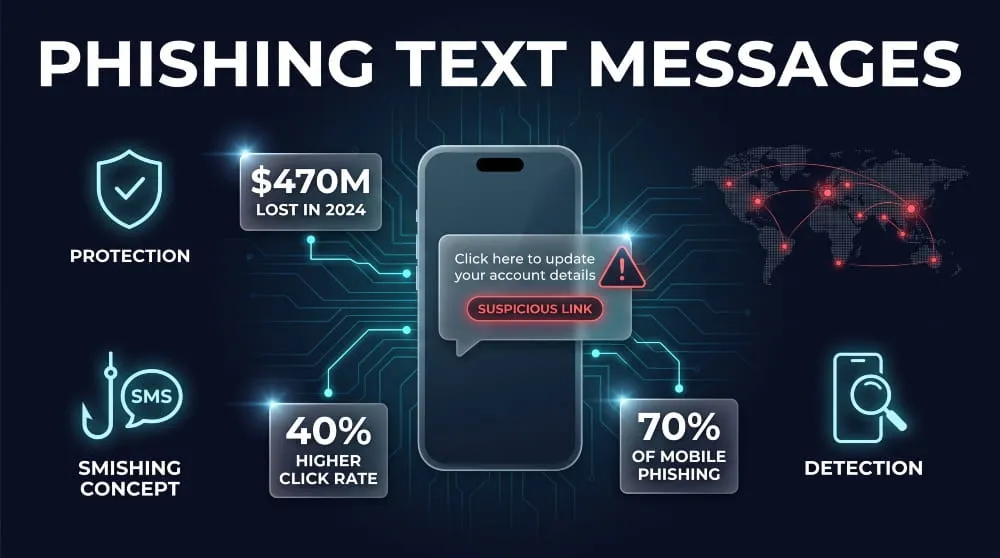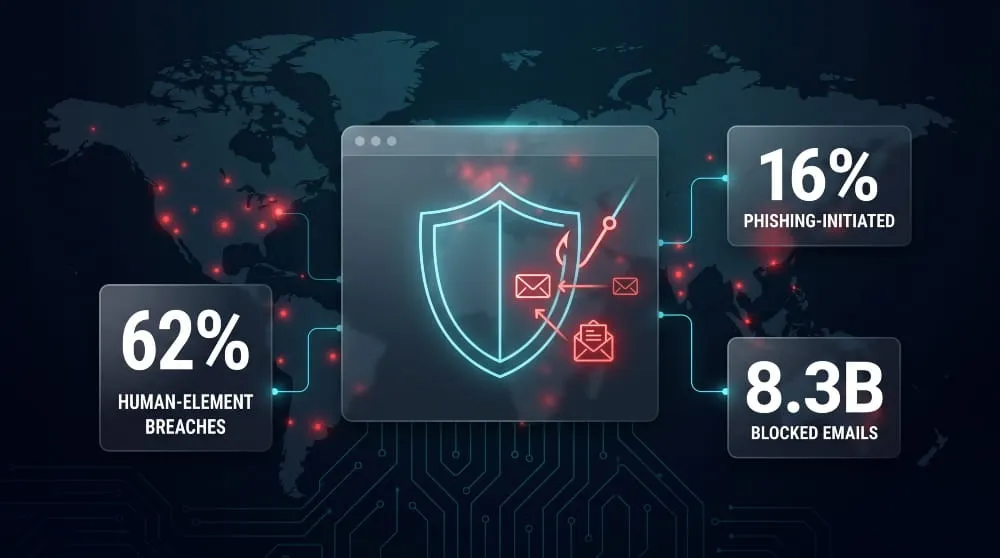
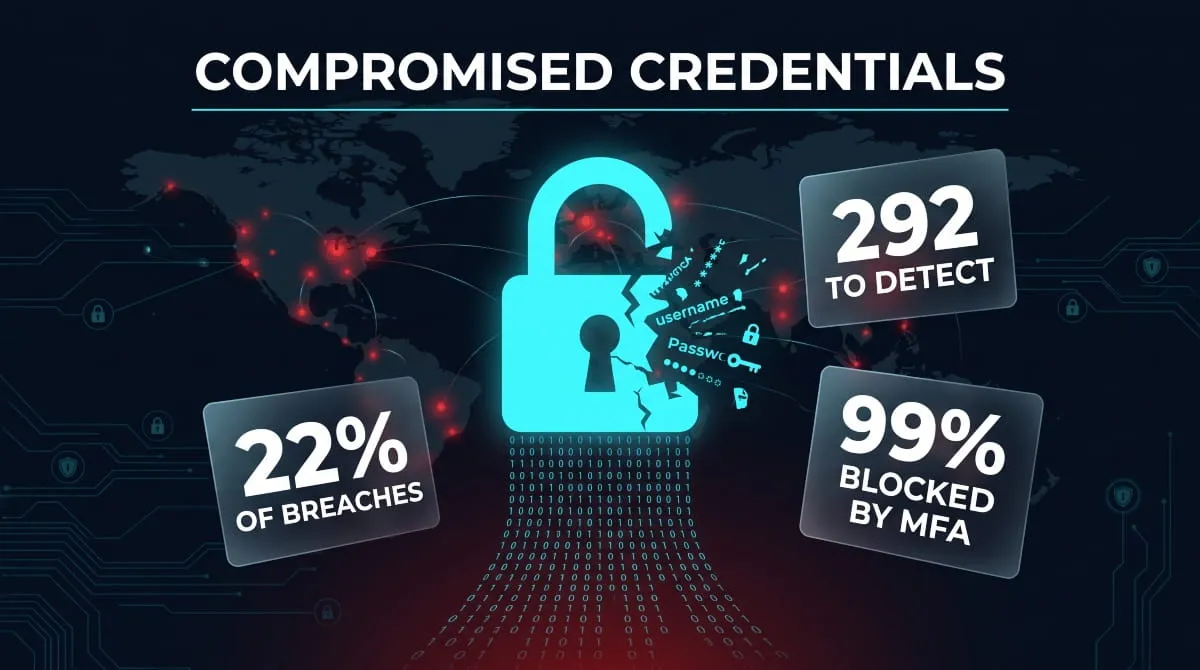
Compromised credentials are usernames, passwords, or other login details that have fallen into an attacker’s hands through a phishing email, a data breach, or malware quietly harvesting them from an infected device. They can now be used to break into your accounts without your knowledge. Once a credential is compromised, it doesn’t just disappear into the void; it’s typically packaged, sold, or shared on dark web marketplaces and criminal forums, where attackers can buy and reuse it long after the original breach makes headlines. That gap between compromise and discovery is exactly what makes credentials so dangerous. According to IBM, breaches involving stolen or compromised credentials take an average of 292 days to identify and contain, longer than any other attack type. Understanding how credentials get compromised, how to detect it early, and what to do the moment you find out is the difference between a quiet password reset and a full-blown account takeover.
What Are Compromised Credentials?
Compromised credentials are login details, usernames, passwords, API keys, session tokens, or any combination used to authenticate an account that have been exposed to or obtained by someone without authorization. The credential itself doesn’t need to be “hacked” in a dramatic sense; it’s compromised the moment an unauthorized party gains access to it, whether that happens through a targeted phishing attack, a leaked corporate database, or malware silently logging keystrokes on an employee’s laptop. What makes a compromised credential uniquely risky compared to other stolen data is that it works. Unlike a stolen credit card number that a bank can freeze, a compromised password often keeps functioning until someone notices and changes it, giving an attacker a live key to the account.
Credential Compromise vs. Data Breach, What’s the Difference
A data breach and a credential compromise are related but not identical, and the distinction matters for how you respond. A data breach is an event in which a company’s systems are accessed without authorization, and data is exposed, stolen, or copied. A credential compromise is an outcome that can occur with or without a breach on the company’s side. Your credentials might be compromised because a service you use was breached. Still, they can just as easily be compromised through a phishing page that mimics your bank’s login screen, or malware on your own device that captures your keystrokes, no corporate breach involved at all. In short: every breach that exposes login data creates compromised credentials, but not every compromised credential comes from a breach.
How Credentials End Up on the Dark Web
Once a credential is compromised, it rarely stays with a single attacker. Stolen login data is typically aggregated into large batches, then sold, traded, or given away for free on dark web marketplaces, private Telegram channels, and criminal forums, where other threat actors buy it in bulk to attempt logins across banking sites, email providers, and corporate networks, a technique known as credential stuffing. The scale of this underground trade is staggering: Verizon’s 2025 Data Breach Investigations Report found that 2.8 billion passwords were posted for sale or given away for free on criminal message boards, encrypted messenger groups, and darknet markets in a single year. Because this data changes hands repeatedly and often resurfaces in new “combo lists” long after the original leak, a credential can remain a live threat for months or years after it was first compromised, which is why knowing it’s circulating at all is the first step toward shutting off the risk.
How Credentials Get Compromised
Credentials get compromised through three main paths: attackers trick users into handing them over, attackers obtain them indirectly through a breach at another company, or attackers reuse credentials leaked from one account to break into another. Each path exploits a different weak point: human trust, third-party security, or password habits, which is why an effective defense has to account for all three rather than treating credential compromise as a single, uniform threat.

Credential Phishing and Harvesting Attacks
Credential phishing is the most direct route: an attacker sends a message, an email, text, or fake login page, designed to look like it comes from a trusted source, and the victim types their username and password directly into the attacker’s hands. Credential harvesting is the broader term for this process, covering not just phishing but any technique used to systematically collect login data at scale, including fake browser extensions, malicious ads, and cloned login portals for popular services. What makes phishing so effective is that it doesn’t need to defeat any technical security control; it only needs to convince one person, once, that a fake page is real.
Third-Party Data Breaches and Supply-Chain Leaks
Not every compromised credential comes from an attack on you directly. Often, it comes from a breach at a company you’ve never done business with, but whose customer or employee database includes your email and password combination, which then gets exposed in bulk and cross-referenced against other services. This risk has grown sharply as organizations lean more heavily on external vendors and cloud platforms: Verizon’s 2025 DBIR found that third-party involvement in breaches doubled year-over-year, rising from 15% to 30% of all incidents, driven in part by vendor credential exposures and misconfigured SaaS environments. A supply-chain leak like this can compromise your credentials without your employer, your bank, or you ever being the direct target.
Credential Stuffing and Reused Passwords
Credential stuffing occurs after credentials are already compromised: attackers take usernames and passwords leaked from one breach and automatically test them against dozens of other websites, betting that people reuse the same password across multiple accounts. This bet pays off far more often than it should; a study of over 19 billion leaked passwords found that 94% were reused or duplicated across accounts. That means a single compromised password from a low-security site can cascade into access on your email, banking, or work accounts if any of them share the same credentials, turning one small leak into a much larger exposure.
Real-World Credential Breaches (Case Studies)
Credential compromise isn’t a hypothetical risk; it plays out constantly, at massive scale, across companies of every size. Three recent incidents show the different ways credentials end up exposed: through aggregation of old leaks, through a legacy system nobody patched, and through a trusted third-party tool.

The 16 Billion Credential Leak
In June 2025, researchers at Cybernews reported discovering 30 exposed datasets containing a combined 16 billion login records, spanning credentials for Google, Apple, Facebook, GitHub, and government portals worldwide. It’s important to understand what this actually was: not a single company getting hacked, but a massive compilation of credentials harvested over years by infostealer malware and pulled together from older breaches and credential-stuffing lists, then briefly exposed on misconfigured servers that researchers found. No major tech company has confirmed a fresh breach of its own systems; the data was stolen at the level of individual devices, largely through malware that quietly logged credentials as users typed them. What made the discovery alarming wasn’t necessarily its novelty but its scale: it dwarfed the previous largest known compilation, 2019’s “Collection #1” (773 million credentials), by roughly twenty times, illustrating just how much stolen login data is now circulating and being recombined by attackers.
Oracle and Vercel Credential Incidents
Two separate incidents show how credential exposure can hit even security-focused infrastructure providers. In early 2025, a threat actor claimed to have breached a legacy Oracle Cloud authentication server by exploiting a known vulnerability in outdated middleware that Oracle had left running for years past its support window; despite Oracle’s initial denial, security firms and affected customers later confirmed the stolen SSO and LDAP credentials were genuine, with more than 140,000 tenants potentially exposed. In April 2026, developer platform Vercel disclosed a separate incident that started nowhere near its own systems: an employee’s Google Workspace account was compromised via a stolen OAuth token from a third-party AI tool, giving the attacker a path into Vercel’s internal environment and exposing non-sensitive customer credentials, API keys, tokens, and database secrets, for a limited subset of accounts. Together, these cases underline that a credential doesn’t have to be phished directly from you to become a liability; an unpatched legacy system or an over-permissioned third-party integration can compromise it on your behalf.
Synthient Credential Data Breach
Not every major credential exposure comes from an attacker looking to publicize a hack; some come from researchers documenting the criminal ecosystem itself. In 2025, threat-intelligence firm Synthient compiled a dataset of nearly 2 billion unique email addresses and roughly 1.3 billion passwords by trawling Telegram channels, dark web forums, and infostealer logs where criminals were already trading credential-stuffing lists, then handed it to Have I Been Pwned to notify affected users. It wasn’t a breach of Gmail, Google, or any single platform; despite headlines suggesting otherwise, it was a snapshot of how much previously stolen login data is being actively aggregated, resold, and reused by attackers running automated credential-stuffing campaigns against unrelated services. The Synthient case is a useful reminder that a credential compromised years ago in an obscure breach doesn’t disappear; it can resurface in a new compilation and become a fresh threat overnight.
How to Detect Compromised Credentials
You can detect compromised credentials by checking your email and passwords against breach databases like Have I Been Pwned, watching for unusual account activity, and, for ongoing protection, using a monitoring service that scans dark web sources continuously rather than relying on a single one-time check. The challenge is that most people never take even the first step: research from Keeper Security found that 39% of individuals don’t know whether they’ve ever been breached, and 32% have no idea whether their passwords are circulating on the dark web. That gap between exposure and awareness is exactly where attackers operate.

Signs Your Credentials May Be Exposed
Some warning signs are obvious: a password reset email you didn’t request, a login notification from an unfamiliar device or location, or a friend receiving spam “from you” that you never sent. Others are quieter and easier to miss: a sudden string of failed login attempts on an account, new devices or app authorizations you don’t recognize in your account’s security settings, or a service notifying you that it was affected by a breach, even if your specific account hasn’t shown obvious symptoms yet. The absence of visible symptoms isn’t reassurance, either; a compromised credential can sit unused for months while attackers verify it works before deploying it, which is why waiting for obvious signs of trouble is an unreliable detection strategy on its own.
Dark Web Credential Monitoring Explained
Dark web credential monitoring works by continuously scanning the places compromised credentials actually surface: breach compilations, credential-stuffing lists, infostealer logs, and criminal marketplaces and forums, and alerting you the moment your email address, username, or password appears in one of them. Rather than waiting for a company to publicly disclose a breach (which, as with incidents like Oracle’s, can take weeks or be denied entirely), monitoring tools index this underground data directly, often surfacing exposure long before it becomes public news. Because stolen credentials are frequently traded, resold, and recompiled into new lists years after the original theft, ongoing monitoring catches exposures that a single historical breach check would miss entirely, including credentials that resurface, like Synthient’s dataset did, long after most people assumed the risk had passed.
Manual Checks vs. Automated Monitoring Tools
A manual check, plugging your email into a free breach-lookup tool, is a reasonable starting point. Still, it’s a snapshot, not a safeguard: it only tells you what was already known and indexed at the moment you searched, and it does nothing to catch a new leak that surfaces the following week. Automated monitoring closes that gap by running continuous checks in the background and pushing an alert the moment new exposure is detected, which matters because the earlier you know, the smaller the window an attacker has to act on a working password before you change it. For an individual with a handful of accounts, periodic manual checks may be manageable; for anyone managing multiple accounts, a business, or credentials tied to sensitive systems, automated monitoring is the only practical way to keep pace with how constantly this data changes hands.
How to Respond to a Credential Compromise
If you discover a credential has been compromised, the right response is to change the affected password immediately, check for any account activity you don’t recognize, and enable multi-factor authentication before doing anything else. Speed matters more than perfection here. Attackers typically move quickly once a working credential surfaces, so the gap between discovery and action is where most of the real damage occurs or is prevented.

Immediate Steps After Discovering a Leak
The moment you confirm a credential is compromised, change the password on that account first, then check whether you’ve reused it anywhere else: email, banking, work systems, anywhere, because attackers count on password reuse to turn one small leak into broader access. While you’re in the account, review recent login activity, connected devices, and any app authorizations or forwarding rules you don’t recognize, since a compromised credential is sometimes used quietly to establish persistent access (such as an email forwarding rule) rather than being exploited immediately. If the account touches financial or sensitive systems, it’s also worth checking for unauthorized transactions or changes to recovery email and phone numbers, since attackers often update these first to lock out the real owner.
Password Reset Best Practices (NIST-Aligned Guidance)
The National Institute of Standards and Technology’s current guidance, finalized in 2025, breaks from decades of conventional password advice in a way that directly shapes how you should respond to compromise: NIST now states organizations shall not require periodic password changes on a fixed schedule, resets should happen only when there’s actual evidence of compromise, which is exactly the situation a credential leak creates. When you reset a password, NIST recommends prioritizing length over complexity: use at least 15 characters for a password used alone, without forced rules requiring specific mixes of symbols or numbers, since those rules tend to produce predictable patterns that attackers can anticipate. Just as important: never reuse the compromised password, even with a minor variation, since attackers routinely test small variations (like “Password1” becoming “Password2”) against accounts once they know a base password.
Preventing Account Takeover
Preventing a compromised credential from turning into a full account takeover comes down to layering defenses so a stolen password alone isn’t enough to get in. Multi-factor authentication is the single most effective control here; even if an attacker has the correct password, MFA blocks most automated takeover attempts by requiring a second factor they don’t have. This is why NIST and CISA now prioritize phishing-resistant MFA methods over passwords as the primary line of defense. Beyond MFA, using a unique password for every account eliminates the credential-stuffing risk, since a leak at one service can’t be replayed anywhere else. Ongoing credential monitoring closes the remaining gap by alerting you the moment a password resurfaces in a new breach or on the dark web, before an attacker has the chance to use it.
How to Prevent Future Credential Compromise
Preventing credential compromise comes down to three layered habits: using strong, unique passwords that are managed securely, adding multi-factor authentication wherever it’s offered, and continuously monitoring for signs that your credentials have leaked anyway. None of these is foolproof on its own, but together they close off the paths attackers rely on most: password reuse, stolen single-factor logins, and delayed discovery.

Password Hygiene and Password Managers
Good password hygiene starts with a simple rule: every account gets its own unique password, long enough that guessing or brute-forcing it isn’t feasible, and never reused elsewhere. This is where a password manager earns its place; it generates and stores a distinct, high-entropy password for every account, so you’re never tempted to fall back on a memorable (and reused) one under pressure. The payoff is direct: reused passwords are exactly what makes credential stuffing work, and a password manager eliminates that vulnerability by design, since a leak at one service becomes meaningless to attackers trying to use it elsewhere. Most modern password managers also flag when a stored password appears in a known breach, giving you an early warning without needing a separate monitoring step.
Multi-Factor Authentication
Multi-factor authentication is the highest-leverage control against credential compromise because it protects you even after a password has leaked. Microsoft’s own telemetry, based on a large-scale study of Azure accounts, found that enabling MFA reduced the risk of compromise by over 99% overall and by nearly 99% even for accounts whose passwords were already known to have been exposed in a breach. In practice, this means an attacker holding a valid, working password still can’t get in without the second factor, which is exactly the scenario credential leaks like Synthient’s or the 16-billion-record compilation create at scale. Not all MFA is equally strong; app-based authenticators and hardware security keys resist phishing far better than SMS codes, but any form of MFA is a meaningful upgrade over a password standing alone.
Continuous Dark Web Monitoring
Password hygiene and MFA reduce your risk of compromise, but they don’t tell you when a credential has actually been exposed; that’s the job of continuous dark web monitoring. Rather than waiting for a company’s breach notification or checking a lookup tool once and assuming you’re safe, ongoing monitoring scans dark web marketplaces, criminal forums, and stealer-log dumps in real time, alerting you the moment your email address or password surfaces in a new leak. This matters because stolen credentials keep circulating and resurfacing long after their original theft; a password compromised years ago can reappear in a fresh compilation and become an active threat again with no warning. For individuals managing a handful of accounts, monitoring closes the gap that memory and manual checks can’t cover; for organizations, it’s often the only way to catch an employee’s compromised credential before it’s used against company systems.
Don’t wait to find out your credentials are already for sale on the dark web. DeXpose’s Free Darkweb Report scans dark web markets, malware logs, and public breaches to show you exactly what’s exposed, in minutes, at no cost.
Get Your Free Darkweb Report →
For ongoing protection instead of a one-time check, DeXpose’s Dark Web Monitoring continuously scans for your organization’s compromised credentials the moment they surface, so you can act before attackers do.
Frequently Asked Questions (FAQ’s)
What is credential compromise?
Credential compromise happens when your login details- a username, password, or authentication token- fall into an unauthorized person’s hands, whether through phishing, malware, or a third-party data breach. Once compromised, a credential can be used to log in as you, often without any immediate sign that something is wrong.
How do I know if my credentials were leaked?
Check your email address against a breach database like Have I Been Pwned, and watch for warning signs like unrecognized login alerts, password reset emails you didn’t request, or breach notifications from services you use. For ongoing protection, continuous dark web monitoring catches new leaks as they happen rather than only what’s already publicly known.
What should I do if my password was found on the dark web?
Change that password immediately, and update it anywhere else you may have reused it, since attackers rely heavily on password reuse to expand access. Enable multi-factor authentication on the affected account and any related accounts. Microsoft’s data shows that MFA blocks over 99% of account compromise attempts, even when the password is already known to have been exposed.