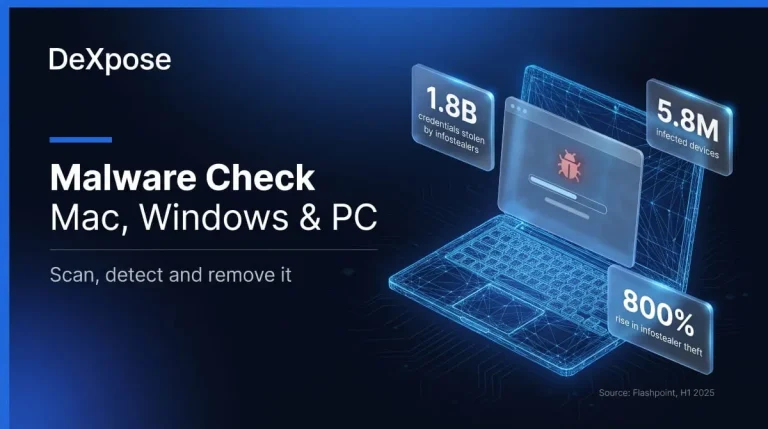
How to Check for Malware on Mac, Windows and PC (Scan, Detect and Remove It)
How to Check Your Computer for Malware To check for malware, run a full scan with your operating system’s built-in security tool, then review the apps,…
Read more
How to Check Your Computer for Malware To check for malware, run a full scan with your operating system’s built-in security tool, then review the apps,…
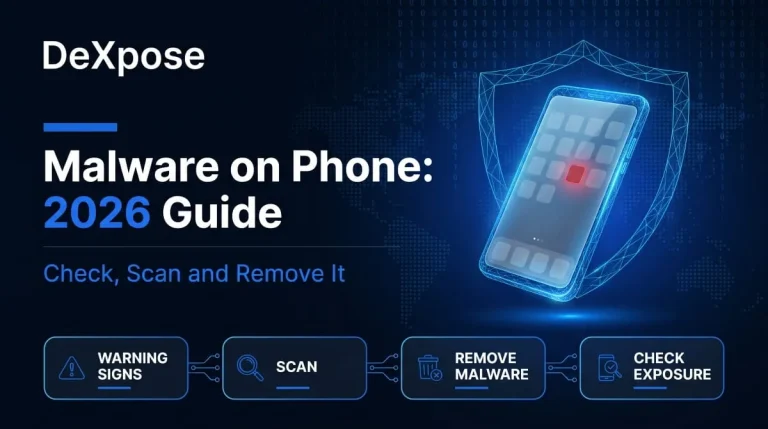
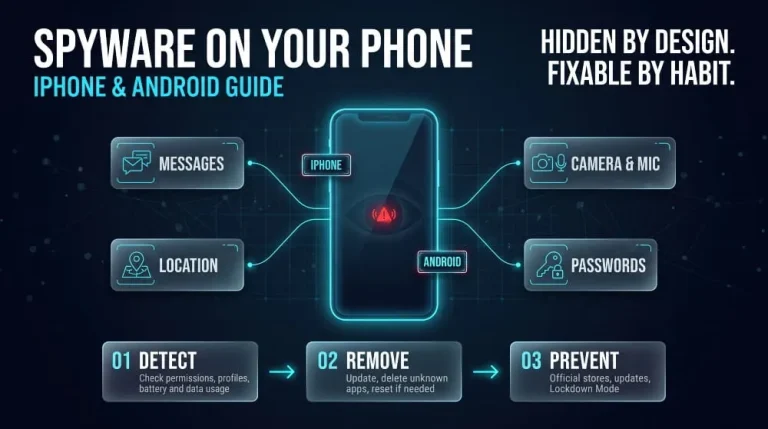
Read moreYou can check a phone for malware by reviewing installed apps, permissions, battery and data usage, and unknown profiles, then running Google Play Protect on Android.…
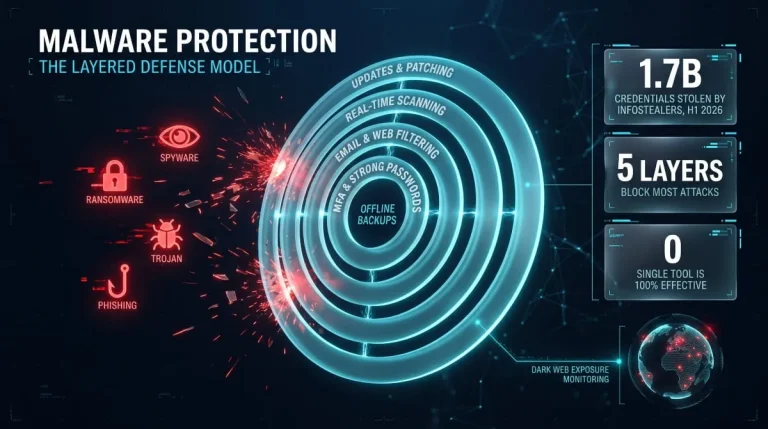
Read moreMalware protection combines software, settings, and habits to detect, block, and remove malicious programs before they steal data, lock files, or take control of a device.…
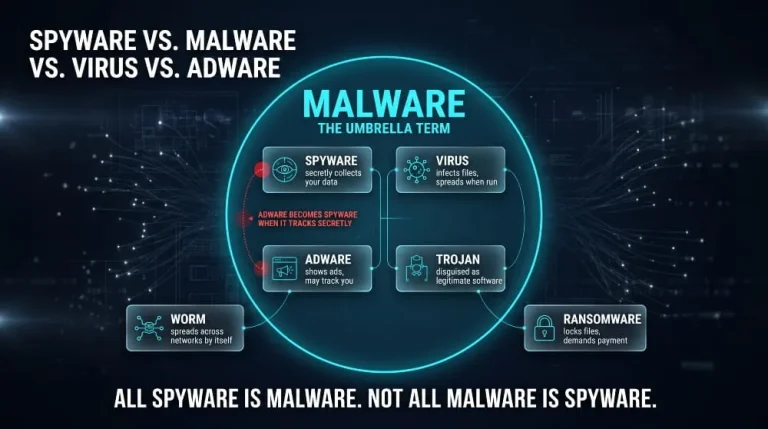
Read moreMalware is the umbrella term for any malicious software. Spyware is one type of malware, a virus is another, and adware is a third; what separates…
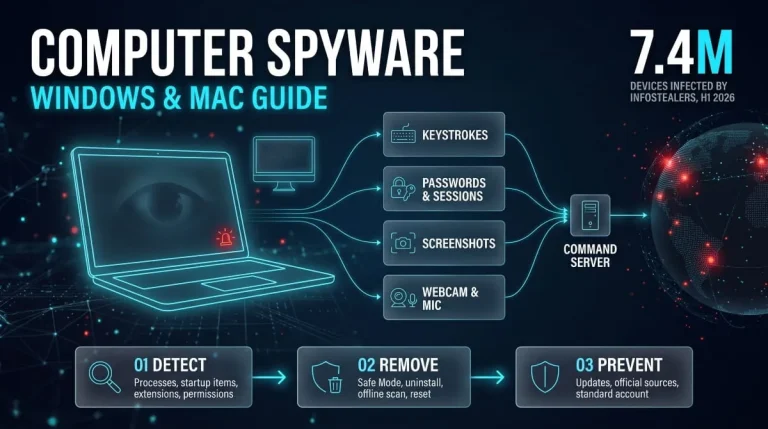
Read moreComputer spyware is malicious software that secretly runs on a PC, laptop, or Mac, records your activity, and sends that data to someone else. To detect…
Read moreYes, phones can get spyware. Spyware on a phone is hidden software that secretly collects your messages, calls, location, photos, and passwords and sends them to…
Read moreSpyware is malicious software that secretly installs itself on a phone or computer, collects information about you, such as passwords, messages, browsing activity, and location, and…
Read moreA keylogger is software or hardware that records every keystroke typed on a device, usually without the user knowing. Attackers use keyloggers to steal passwords, card…
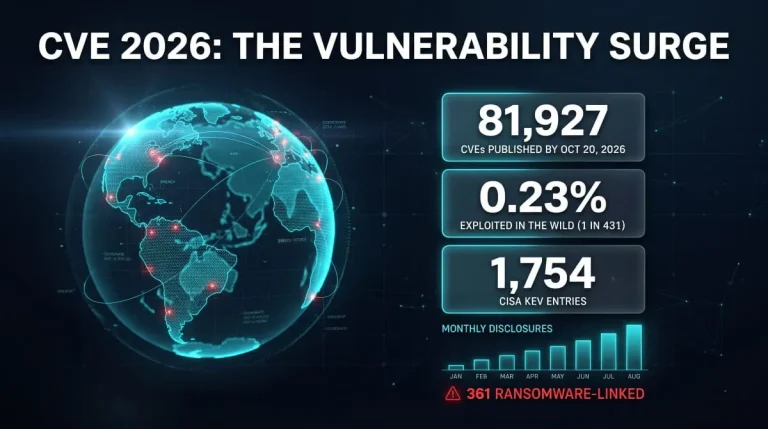
Read moreCVE 2026 covers every publicly disclosed software flaw assigned a CVE-2026-NNNNN identifier this year, and it is already the largest annual list on record. This guide…
Read moreRun a free dark web report for your domain: breached credentials, infostealer logs and dark web mentions in seconds.