Phishing protection is the combination of tools, habits, and technical safeguards that stop attackers from tricking you into handing over credentials, payment details, or system access through fake emails, texts, websites, or calls. It works by catching malicious messages before they reach you, blocking known-bad links and domains, and training you to recognize the scams that slip through anyway.
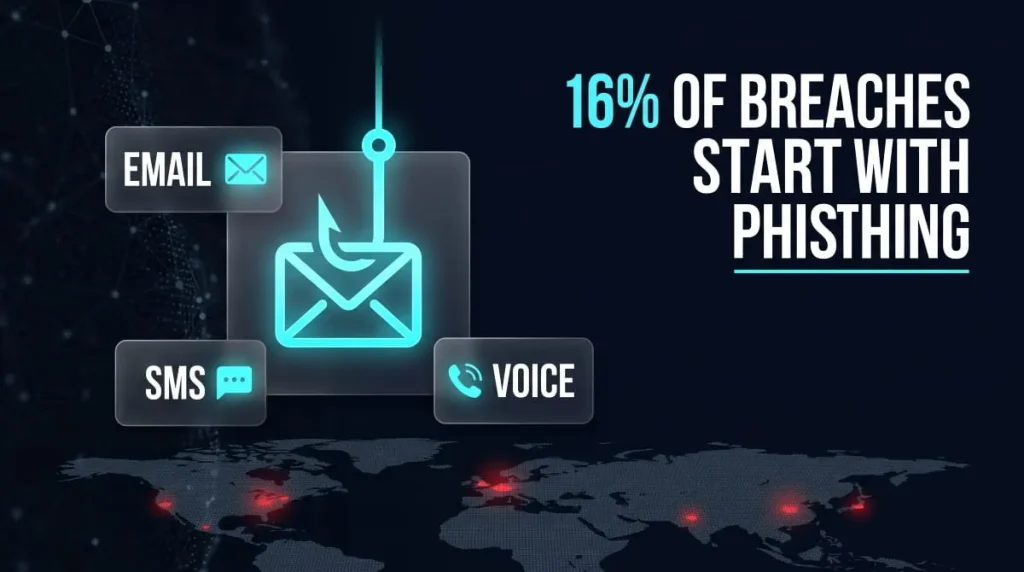
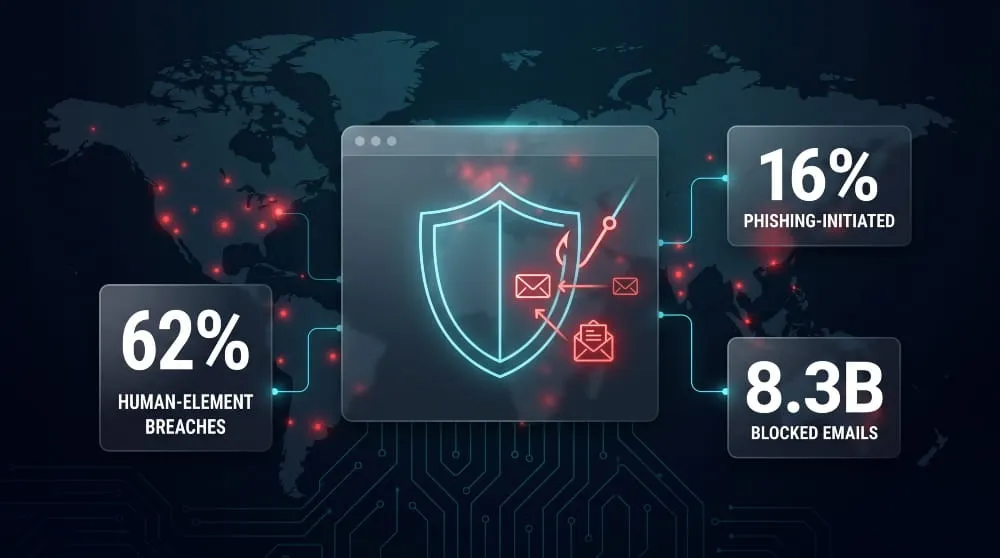
The problem isn’t going away. Verizon’s 2026 Data Breach Investigations Report found that phishing directly initiated 16% of breaches, part of a broader 62% tied to human-element failures like stolen credentials and social engineering, meaning most successful attacks still start with someone clicking, replying, or logging in somewhere they shouldn’t. That’s why phishing protection isn’t a single product you install once; it’s a layered approach spanning your email platform, browser, devices, and, for businesses, your entire workforce.
This guide breaks down exactly how phishing protection works across every surface where attacks happen- email, browsers, phones, and enterprise networks- what actually stops an attack versus what just slows it down, and how to choose the right protection for your situation, whether that’s a personal Gmail account or a company-wide security stack.
What Is Phishing Protection?
Phishing protection is the set of technical controls and behavioral practices that prevent attackers from impersonating a trusted source- a bank, a coworker, a well-known brand- to steal credentials, financial data, or system access. It combines automated defenses like email filtering and link scanning with human judgment, since no single tool catches every attack on its own.
How Phishing Attacks Work
A phishing attack starts with a message designed to look legitimate: an email that mimics a company’s branding, a text claiming to be from a delivery service, or a call spoofing a familiar number. The message creates urgency- a locked account, an unpaid invoice, a security alert- and pushes the recipient toward a fake login page or a request to send money or data. Once entered, credentials or payment details go straight to the attacker. Modern phishing has moved well beyond generic spam; attackers now build convincing replicas of real workflows, from Google security alerts to internal finance requests, and increasingly use AI to generate more personalized, harder-to-spot messages at scale.
Why Phishing Protection Matters for Individuals and Businesses
Phishing remains one of the most common ways attackers get in. According to Verizon’s 2026 Data Breach Investigations Report, phishing directly triggered 16% of breaches, and human-element failures, including phishing, stolen credentials, and social engineering, were involved in 62% of all breaches analyzed. For individuals, a single successful attack can mean drained accounts or stolen identity. For businesses, the stakes compound: one compromised employee login can expose customer data, disrupt operations, or trigger a costly incident response. That gap between how common phishing is and how much damage one click can cause is exactly why layered protection, not just awareness, has become essential.
How to Protect Yourself From Phishing
Protecting yourself from phishing comes down to two things: building habits that reduce your exposure, and knowing how to spot an attack before you act on it. Neither works well alone; habits catch what filters miss, and recognition skills catch what habits miss.
Core Habits That Prevent Phishing
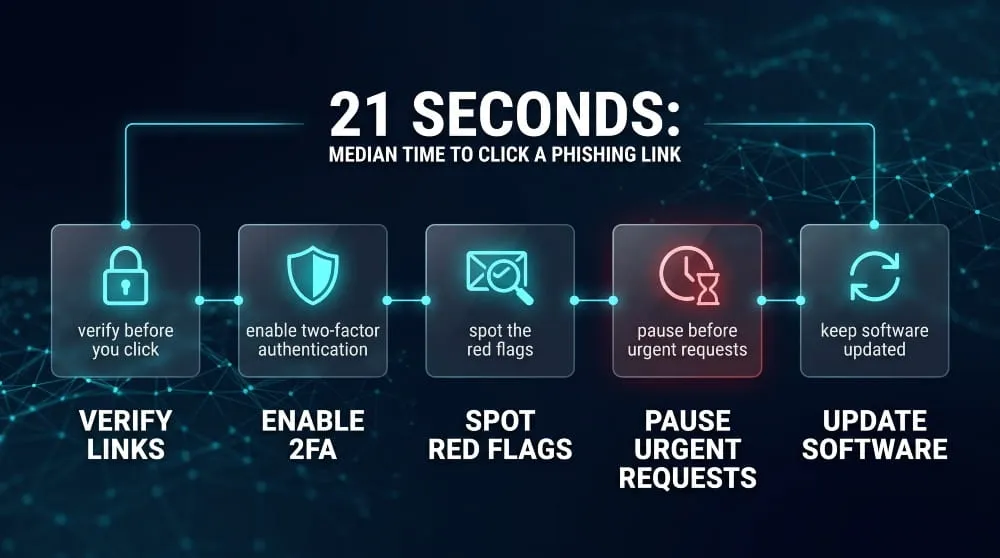
The strongest defense is treating unexpected requests for information or action with default skepticism, regardless of how official they look. Verify login pages by typing the URL directly instead of clicking email links, especially for banking, email, or work accounts. Turn on two-factor authentication everywhere it’s offered; it won’t stop every phishing attempt, but it blocks attackers from using stolen credentials alone. Keep software and browsers updated, since many phishing pages exploit outdated security features. And slow down: phishing relies on urgency, so a message demanding immediate action is itself a signal worth pausing on. Verizon’s 2026 DBIR found the median time for someone to click a phishing link is just 21 seconds, faster than most people can stop to think, which is exactly why habits matter more than instinct in the moment.
Spotting Phishing Red Flags
Most phishing messages share a few tells once you know what to look for. The sender’s email address often doesn’t quite match the organization it claims to represent: an extra character, the wrong domain, or an unfamiliar subdomain. Links, when hovered over, lead somewhere different from the text displayed. The message pressures you toward urgent action: a suspended account, an unpaid invoice, a security breach demanding an immediate password reset. Generic greetings, unexpected attachments, and requests for sensitive information, passwords, payment details, and verification codes are all signs worth treating as red flags rather than coincidences.
What to Do If You Clicked a Phishing Link
If you’ve clicked a phishing link but haven’t entered any information, close the page and run a security scan on your device; some phishing pages attempt to install malware just from a visit. If you entered credentials, change that password immediately, and change it on any other account where you reused it. Enable or review two-factor authentication on the affected account, and check for unfamiliar login activity or account changes. If the compromised account is tied to work, report it to your IT or security team right away; the faster a compromised credential is flagged, the less damage it can do before access gets revoked.
Phishing Protection by Device
Phishing protection looks different depending on the device, since phones and computers face different attack channels and come with different built-in defenses. Both need attention; attackers increasingly target whichever device gets less scrutiny.
Protecting Your Phone (iPhone & Android)
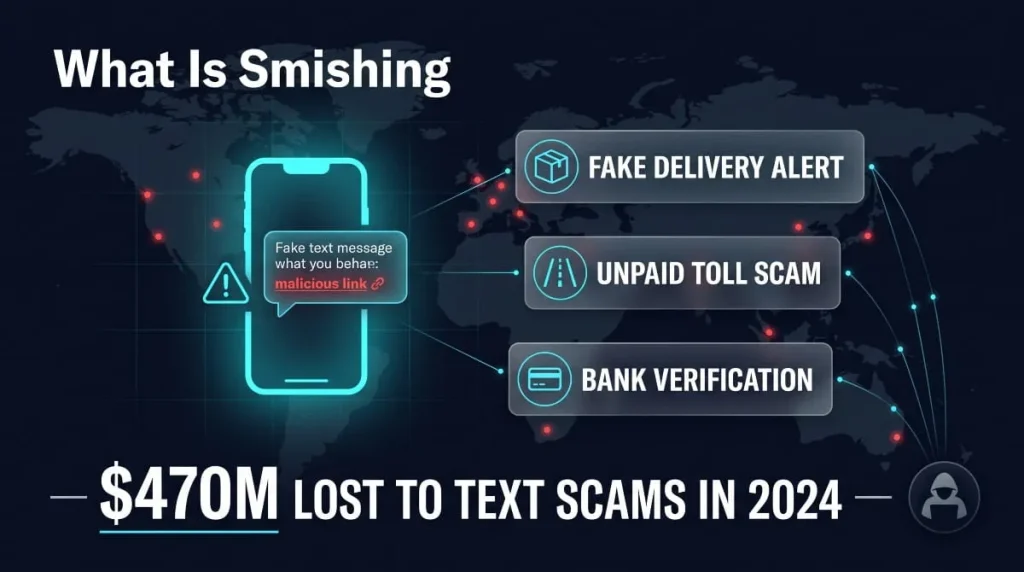
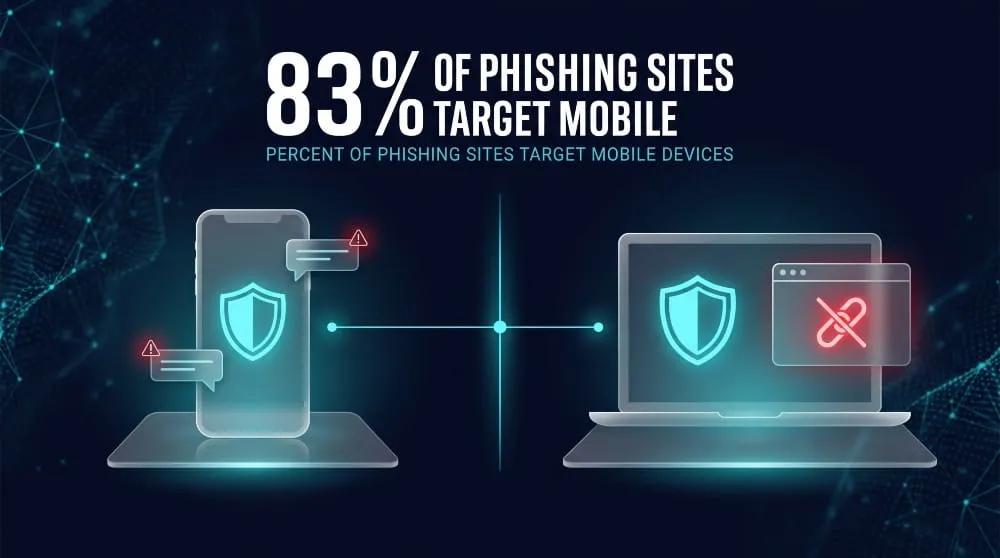
Phones face phishing through text messages, third-party apps, and social media, not just email- channels that often bypass the spam filtering people rely on for their inbox. Smishing (SMS phishing) has become a major vector precisely because mobile devices typically lack the equivalent of enterprise-grade email security gateways. Both iPhone and Android include some baseline protection: iOS filters unknown senders’ texts into a separate list, and Android’s Google Messages flags suspicious links automatically. Strengthening that baseline means enabling your carrier’s spam filtering, being cautious with links in texts even from known contacts (numbers can be spoofed), and avoiding sideloaded apps or unofficial app stores, which are common phishing delivery points. Security researchers have found that a large majority of phishing websites are now built specifically to render convincingly on mobile screens, reflecting how deliberately attackers target phone users over desktop.
Protecting Your Computer (Windows & Mac)
Computers remain the primary target for credential-harvesting phishing, largely because they’re where people log into banking, work, and email accounts. Windows and Mac both include phishing protection at the browser and OS level; Windows Defender SmartScreen and Safari’s fraudulent site warning both flag known-bad sites before they load, but these catch only previously identified threats, not new ones. Keeping your OS and browser updated ensures you get the latest threat definitions, and running a reputable antivirus adds a second layer for malicious downloads that slip past link-based filtering. For sensitive accounts, using a password manager helps too: it won’t autofill credentials on a lookalike domain, which makes it one of the more effective silent defenses against sophisticated phishing pages.
Phishing Protection for Browsers
Browsers are typically the first line of phishing protection most people ever encounter, since Chrome, Firefox, Safari, and Edge all include some form of built-in filtering that runs before a page even fully loads. That built-in layer catches a meaningful share of attacks, but it’s not designed to catch everything.
Built-In Browser Phishing Protection (Chrome, Firefox, Safari, Edge)
Chrome and Edge rely on Google Safe Browsing, which checks URLs against a constantly updated blocklist of known malicious sites and warns users before they load a flagged page. Firefox uses the same Safe Browsing data by default, while Safari runs its own fraudulent website warning system built on similar blocklist logic. These tools work by comparing the site you’re visiting against a database of previously identified phishing pages, effective against attacks that have already been reported and cataloged, and largely invisible to the ones that haven’t.
When Built-In Protection Isn’t Enough
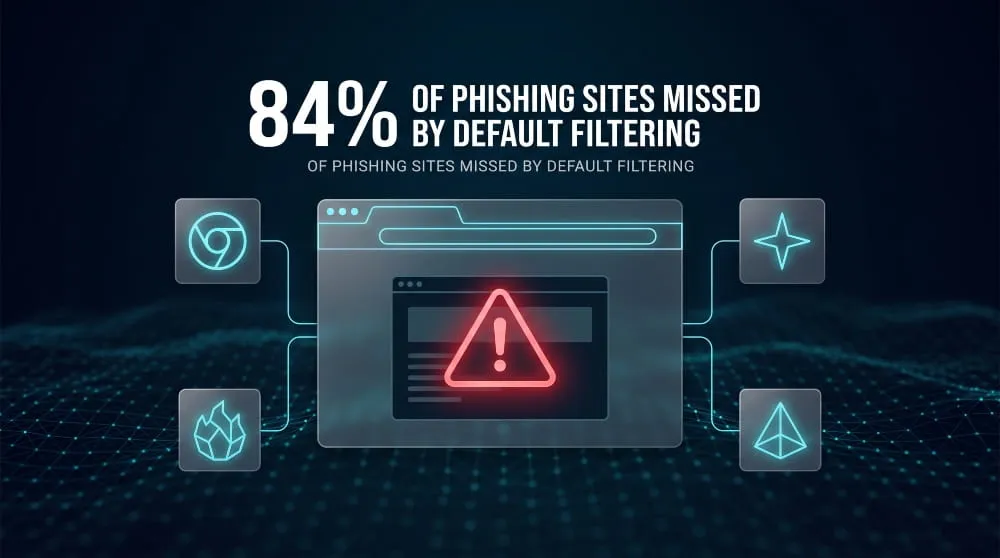
The core weakness of blocklist-based browser protection is that it’s reactive: a phishing site has to be discovered and reported before it gets flagged, which leaves a window where brand-new sites go undetected. A February 2026 report from security firm Norn Labs found Google Safe Browsing missed roughly 84% of confirmed phishing sites tested that month, with the gap especially pronounced on sites hosted on trusted platforms like Weebly and Vercel, domains too widely used for legitimate purposes to simply blocklist outright (worth noting the same firm sells a competing detection tool, though the underlying methodology and numbers have held up independently). In practice, this means built-in browser warnings are a useful baseline, not a complete defense; pairing them with a password manager, updated software, and the habits covered earlier in this guide closes most of the gap that blocklists alone leave open.
Phishing Protection for Email & Workspace Platforms
Email remains the primary channel for phishing, which is why Gmail, Google Workspace, and Microsoft 365 all build phishing protection directly into their platforms rather than treating it as an add-on. Each ecosystem filters messages before they reach the inbox, but the depth of protection depends heavily on which tier and settings you’re using.
Gmail and Google Workspace Phishing Protection
Gmail’s phishing protection runs on machine learning models that scan incoming mail for spoofed senders, suspicious links, and known attack patterns, blocking most threats before a user ever sees them. Google reports blocking roughly 100 million phishing emails every day, with 68% belonging to campaigns its systems had never seen before. Google Workspace administrators get additional controls on top of that baseline: enhanced pre-delivery message scanning, security sandboxing that detonates suspicious attachments before delivery, and admin-level policies that can flag or quarantine impersonation attempts targeting specific domains. For individual users, turning on Gmail’s “additional protection against phishing” setting tightens warnings on unauthenticated senders and embedded scripts, closing some of the gap between default filtering and full enterprise-grade coverage.
Microsoft 365 / Outlook / Exchange Phishing Protection
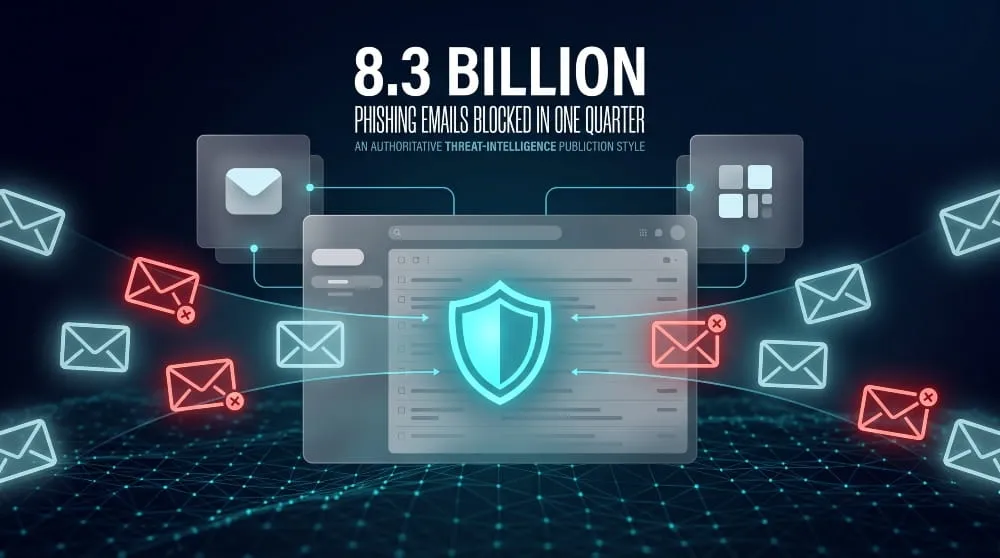
Microsoft 365’s phishing protection starts with anti-phishing policies built into every cloud mailbox, using spoof intelligence and sender authentication checks (SPF, DKIM, DMARC) to catch forged senders before delivery. Microsoft Defender for Office 365 adds a meaningfully deeper layer on top: Safe Links rewrites and rechecks URLs at the moment they’re clicked rather than only at delivery, and Safe Attachments sandboxes files to catch malware that link-scanning alone would miss. The scale of what these systems catch is significant: Microsoft’s Defender telemetry blocked 8.3 billion email-based phishing threats in a single quarter of 2026, with link-based attacks making up 78% of that volume. For Outlook and Exchange specifically, pairing these built-in defenses with passwordless authentication (Windows Hello, FIDO keys, or an authenticator app) closes off the most common path attackers use once a phishing email does get through.
Phishing Protection for Businesses & MSPs
Business phishing protection differs from personal protection in scale and stakes: a single compromised employee account can expose customer data, disrupt operations, or drain company funds, which is why most organizations layer dedicated platforms and managed services on top of the built-in filtering their email provider already offers.
Enterprise Phishing Protection Platforms
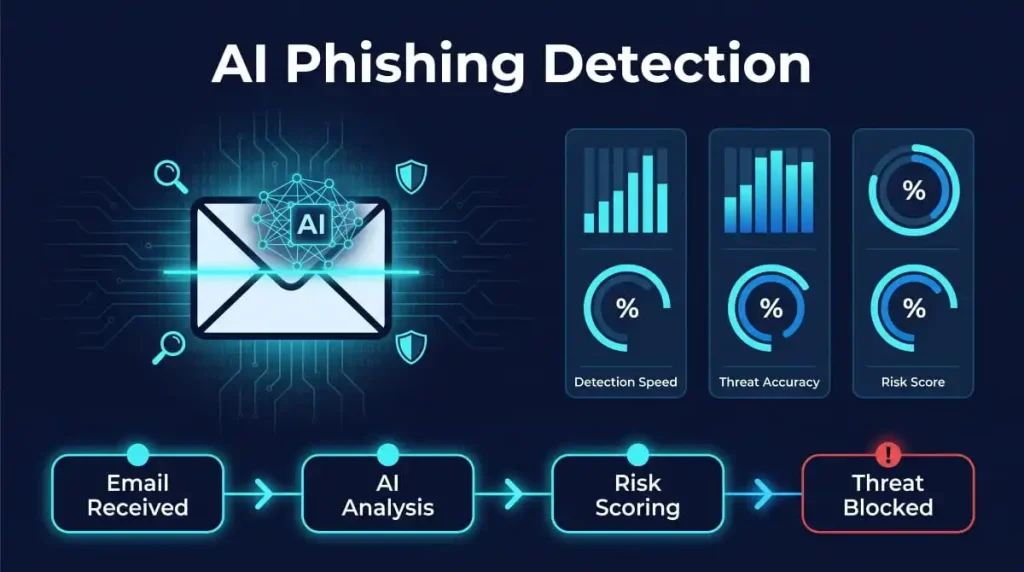
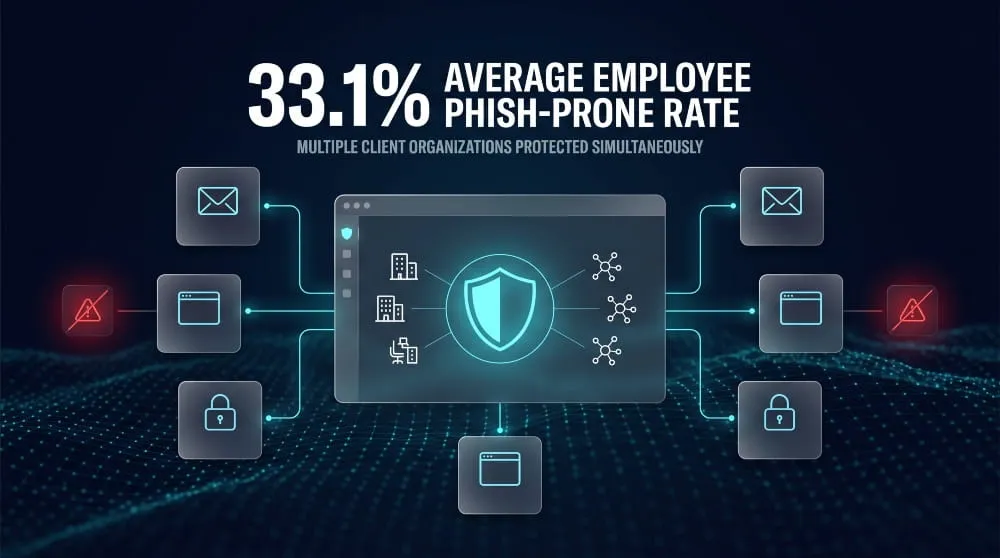
Enterprise-grade phishing protection typically combines email gateway filtering, real-time link and attachment scanning, impersonation detection for spoofed executives or vendors, and automated incident response that can quarantine a threat across every mailbox in the organization the moment it’s flagged. These platforms are built to handle volume and complexity that basic filtering can’t, multiple domains, remote workforces, and industry-specific compliance requirements, while giving security teams centralized visibility into what’s being blocked and why. The gap between trained and untrained organizations is measurable: KnowBe4’s 2025 industry benchmarking found the average Phish-Prone Percentage (the share of employees who click a simulated phishing email) sits at 33.1% industry-wide, with healthcare and insurance running even higher, underscoring why platform-level filtering alone isn’t considered sufficient at enterprise scale.
Phishing Protection for Small Businesses and Startups
Smaller organizations often assume phishing protection is an enterprise-only expense. Still, attackers don’t discriminate by company size; smaller teams frequently have fewer safeguards and less dedicated security staff, making them attractive targets rather than safer ones. Cost-effective options exist specifically for this gap: cloud-based email security add-ons that layer onto existing Gmail or Microsoft 365 accounts, MSP-managed phishing protection bundled with broader IT support, and free or low-cost security awareness training to build employee habits without a large software budget. For a startup, the highest-leverage first steps are usually enabling multi-factor authentication everywhere, turning on the advanced phishing settings already included in Google Workspace or Microsoft 365, and choosing one dedicated protection layer rather than trying to piece together several disconnected tools.
Choosing a Phishing Protection Solution (What to Look For)
The right phishing protection solution depends less on brand recognition and more on fit: how well it integrates with your existing email platform, how it handles false positives, and how quickly it adapts to new attack patterns rather than relying solely on static blocklists. Look for real-time link rechecking (not just scanning at delivery), attachment sandboxing, impersonation and spoofing detection, and clear admin reporting that shows what’s being caught and missed. For MSPs managing multiple clients, centralized dashboards and consistent policy enforcement across tenants matter as much as detection accuracy. Pricing and ease of deployment matter too, but the solutions worth prioritizing are the ones that reduce the time between a threat appearing and it being blocked, since, as covered earlier, blocklist-only tools can miss the majority of newly created phishing sites in their first days online.
Does 2FA/VPN/Antivirus Actually Stop Phishing?
Two-factor authentication, VPNs, and antivirus software all offer meaningful protection. Still, none of them were built specifically to stop phishing, and understanding what each one actually blocks versus what it doesn’t is the difference between a false sense of security and real protection.
Does 2FA Protect Against Phishing?
Two-factor authentication stops most credential-only phishing, since a stolen password alone isn’t enough to log in without the second factor. But it isn’t foolproof: adversary-in-the-middle (AiTM) phishing kits now proxy the real login page in real time, letting a victim complete a genuine MFA prompt. At the same time, the attacker silently captures the resulting session token, meaning the login succeeds normally and MFA never actually blocks anything. Proofpoint’s 2025 data found that 59% of accounts successfully compromised through phishing had MFA enabled at the time of the attack. Standard SMS or app-based 2FA still meaningfully raises the bar against basic phishing. Still, phishing-resistant methods like FIDO2 hardware keys or passkeys are the only options that reliably defeat session-token theft.
Does a VPN Protect You From Phishing?
A VPN encrypts your internet traffic and masks your location. Still, it does nothing to inspect the content of a phishing email or evaluate whether a link leads to a fake login page; a VPN and a phishing filter solve entirely different problems. Because a VPN operates at the network level rather than the content level, a phishing site loads the same whether you’re connected to one or not. VPNs are worth using for privacy and for securing connections on public Wi-Fi, but they shouldn’t be mistaken for phishing protection; that job belongs to email filtering, browser warnings, and link-scanning tools instead.
Does Antivirus Protect Against Phishing?
Antivirus software helps with the payload side of phishing, catching malicious attachments or downloads once a phishing email gets through. Still, most antivirus tools weren’t designed to evaluate whether a link or login page is fraudulent before you interact with it. Some modern antivirus suites now bundle basic web-protection or anti-phishing browser extensions, which narrows this gap. Still, a phishing page that harvests credentials without dropping any malware can slip past traditional antivirus entirely, since there’s no malicious file for it to detect. That’s why antivirus works best as one layer in a broader stack, alongside email filtering, browser warnings, and MFA, rather than as standalone phishing protection.
Phishing Protection vs. Malware & Ransomware Protection
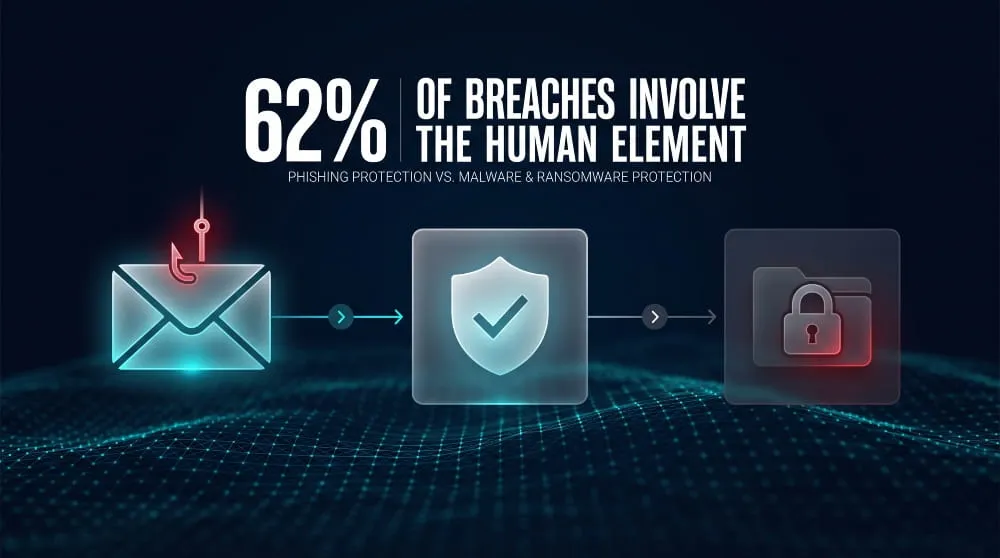
Phishing protection and malware or ransomware protection overlap but aren’t the same thing: phishing protection stops the deceptive delivery method. In contrast, malware and ransomware protection stops the malicious payload once it’s already running. Understanding the difference matters because a security stack built for one doesn’t automatically cover the other.
How Phishing Fits Into a Broader Malware/Ransomware Strategy
Phishing is frequently the entry point for a ransomware attack, not the attack itself. A convincing email gets an employee to click a link or open an attachment, and only then does the actual malware execute. That sequence means phishing protection (link scanning, email filtering, sender verification) and endpoint or ransomware protection (antivirus, behavioral detection, backup and recovery) function as two separate checkpoints in the same kill chain, and skipping either one leaves a gap. Verizon’s 2026 DBIR found that human-element failures, including phishing, are involved in 62% of breaches, but what happens after the click, whether that’s credential theft, malware installation, or a full ransomware deployment, depends entirely on what protection is running at the endpoint level. A complete strategy treats phishing protection as the first line of defense and malware/ransomware protection as the backstop for when that first line gets bypassed, which happens often enough that neither layer can be treated as optional.
Stay Ahead of Phishing-Driven Breaches
Phishing protection stops a lot, but it can’t catch what’s already been stolen. If your credentials, employee logins, or brand identity have already surfaced on the dark web, filters and MFA won’t undo that exposure.
DeXpose’s Dark Web Monitoring gives you continuous visibility into whether your organization’s data, employee credentials, or leaked assets are already circulating in dark web markets, breach dumps, or malware logs, so you’re acting on exposure before it turns into an account takeover. Pair that with Brand Protection to catch phishing sites and impersonation attempts built to spoof your brand before they reach your customers or employees.
Check your exposure now, run a free Dark Web Report, and see what’s already out there.
Frequently Asked Questions (FAQ’s)
What Is Phishing Protection?
Phishing protection is the combination of tools and habits that stop attackers from tricking you into handing over credentials, payment information, or system access through fake emails, texts, or websites. It typically works through email filtering, link and attachment scanning, and browser-level warnings, backed by user awareness. Since Verizon’s 2026 DBIR found human-element failures, including phishing, involved in 62% of breaches, no single filter catches everything on its own.
How Do I Choose the Right Phishing Protection Tool?
The right phishing protection tool depends on how it integrates with your existing email platform and how quickly it adapts to new threats rather than relying only on static blocklists. Prioritize real-time link rechecking at the moment of click (not just at delivery), attachment sandboxing, and impersonation detection for spoofed senders. Blocklist-only protection has a real gap here; one 2026 test found Google Safe Browsing missed roughly 84% of confirmed phishing sites, so look for tools that combine reputation data with behavioral or AI-based detection to catch threats before they’re widely reported.
What’s the Difference Between Free and Paid Phishing Protection?
Free phishing protection, built-in browser warnings, default Gmail filtering, and basic antivirus cover known, previously reported threats reasonably well and are enough for many individual users. Paid phishing protection adds real-time link rechecking, attachment sandboxing, impersonation and spoofing detection, admin-level reporting, and faster response to brand-new attack patterns, which matters more as the stakes rise: a business account compromise carries far more risk than a personal one. For individuals, free protection paired with good habits often suffices; for businesses handling sensitive data or multiple employee accounts, the added detection speed and administrative control of a paid solution close gaps that free tools structurally can’t.