
Email Data Breach | How to Check If Your Email Was Exposed and What to Do About It
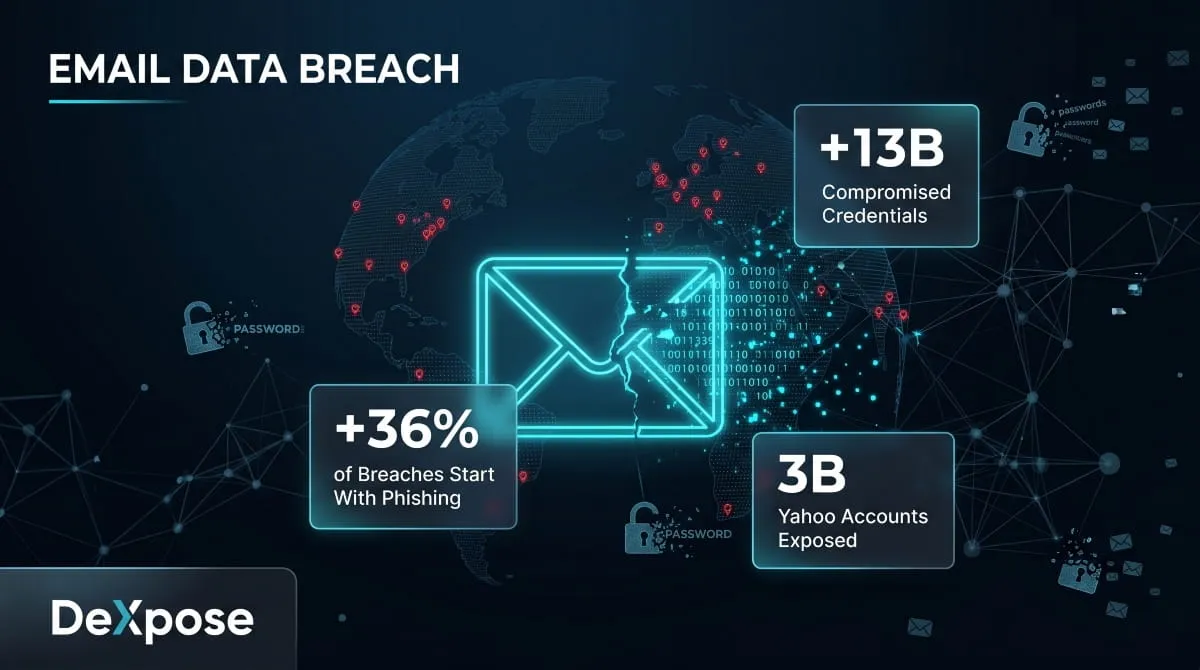
Every day, millions of email addresses quietly change hands, not through inbox hacks or forgotten passwords, but through large-scale data breaches at companies you trusted with your information. Most people have no idea it’s happened until the damage is done.
This guide explains exactly what an email data breach is, how to find out if yours was exposed, which major incidents you should know about, and the steps to take if your email turns up in breach records.
What Is an Email Data Breach?
A data breach happens when an unauthorized party gains access to a company’s database and extracts user records. When your email address is part of that database, which it almost always is, it gets swept up in the breach, whether you did anything wrong or not.
An email data breach typically exposes more than just your address. Depending on what the company stores, a breach can surface your name, phone number, physical address, hashed or plaintext passwords, payment details, and account activity. That combination makes breached email data so valuable to cybercriminals; it gives them everything they need to attempt account takeovers, credential stuffing, and targeted phishing.
It’s worth understanding the difference between an email breach and an email hack. A hack means someone gained direct access to your inbox, and your account was compromised. A breach means a company you have an account with was compromised, and your credentials were part of what leaked. Both are serious, but they require different responses.
What role do phishing emails play? More than most people realize. Phishing emails are responsible for roughly 36% of all data breaches globally, making them the single leading cause. A convincing spoofed email tricks an employee into clicking a malicious link, and from there, an attacker can move laterally through an entire organization’s systems. The irony is that a phishing email can cause the very breach that then produces more phishing emails targeting the victims.
How to Find Out If Your Email Has Been in a Data Breach
The most common question people ask after hearing about a major breach is: Was my email in it? The answer isn’t always obvious, because companies don’t always notify every affected user, and breached data often circulates on the dark web for months before it surfaces publicly.
The most reliable method is running your email address against a breach database, a service that aggregates known breach records and checks whether your address appears in them. What you’re actually searching is a compiled index of leaked data from hundreds of incidents, cross-referenced against your input.
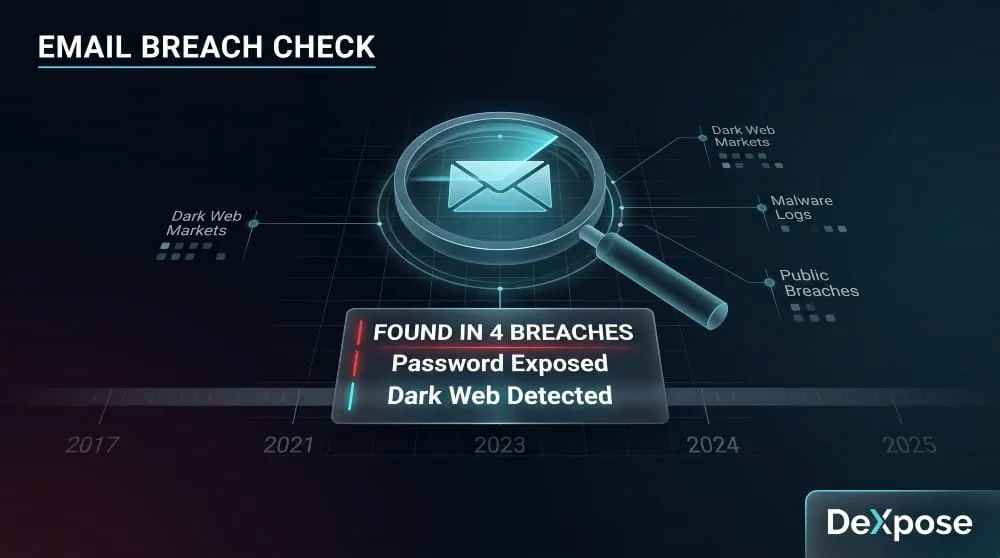
When you run a check, you want to see more than a yes/no answer. A useful breach scan will tell you which breach your email appeared in, when it occurred, what data was exposed, and whether your password was included. That context determines how urgently you need to act.
DeXpose’s Email Data Breach Scan checks your email against dark web markets, malware logs, and public breach databases, and returns a free exposure summary instantly. It’s the fastest way to see exactly where your email has surfaced and what was leaked alongside it.
One thing worth noting: your email may have appeared in multiple breaches across different years. It’s not uncommon for a single address to show up in five, ten, or even more separate incidents. The Yahoo breach alone compromised over 3 billion accounts across multiple waves from 2013 to 2017. If your email is more than a few years old, the honest answer is that it has probably appeared in at least one breach.
Major Email Data Breaches You Should Know About
Understanding which companies have been breached, and what was taken, helps you prioritize which accounts to secure first.
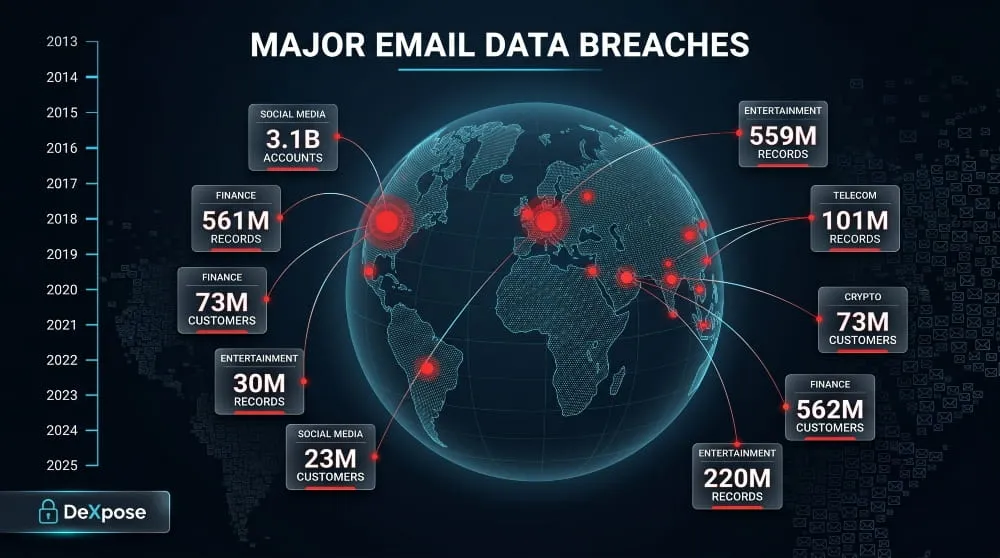
Yahoo (2013–2017) remains the largest email-related breach in history. Attackers initially accessed 1 billion records in 2013, but the full scope, 3 billion accounts, wasn’t disclosed until years later. Names, email addresses, telephone numbers, dates of birth, hashed passwords, and security questions were all exposed.
AT&T suffered a significant breach in 2024 affecting tens of millions of customers. Exposed data included email addresses, phone numbers, account PINs, and in some cases Social Security numbers. AT&T began notifying affected customers via email, though many recipients initially mistook the emails for phishing attempts.
Microsoft faced a serious cloud email breach in 2023 when a Chinese threat actor tracked as Storm-0558 gained access to email accounts belonging to approximately 25 organizations, including U.S. government agencies. A separate incident in early 2024 exposed internal Microsoft emails after attackers accessed employee mailboxes. If you use Microsoft 365 or Outlook, checking your exposure is worth doing.
Ticketmaster experienced a major breach in 2024 when a threat actor claimed to have stolen 560 million customer records from a third-party cloud environment. The data allegedly included email addresses, names, phone numbers, and partial payment card details. Ticketmaster sent breach notification emails to affected customers, but those emails themselves became targets of impersonation scams, which we’ll address below.
Google has not experienced a breach of its core Gmail infrastructure at the scale of Yahoo. However, Google regularly notifies users when their credentials appear in third-party breaches through its Password Checkup feature. A “Google security breach alert email” is often either a legitimate Password Checkup notification or a phishing attempt; the distinction matters.
Other notable incidents that exposed large volumes of email addresses include breaches at Chase, Coinbase, Marriott, MGM Resorts, Caesars, Capital One, Credit Karma, 23andMe, Discord, Apple, Ledger, Duolingo, Evolve Bank and Trust, Xfinity/Comcast, and British Airways, among many others across 2022–2025.
The pattern across all of these is consistent: the breach occurs, data circulates on dark web forums and marketplaces, and victims often don’t find out until weeks or months later, sometimes only when they start receiving targeted phishing emails referencing personal details they never shared publicly.
Is That Breach Notification Email Real or a Scam?
When a major breach makes headlines, two types of emails start flooding inboxes almost simultaneously: legitimate notifications from the breached company, and phishing emails from attackers pretending to be that company.
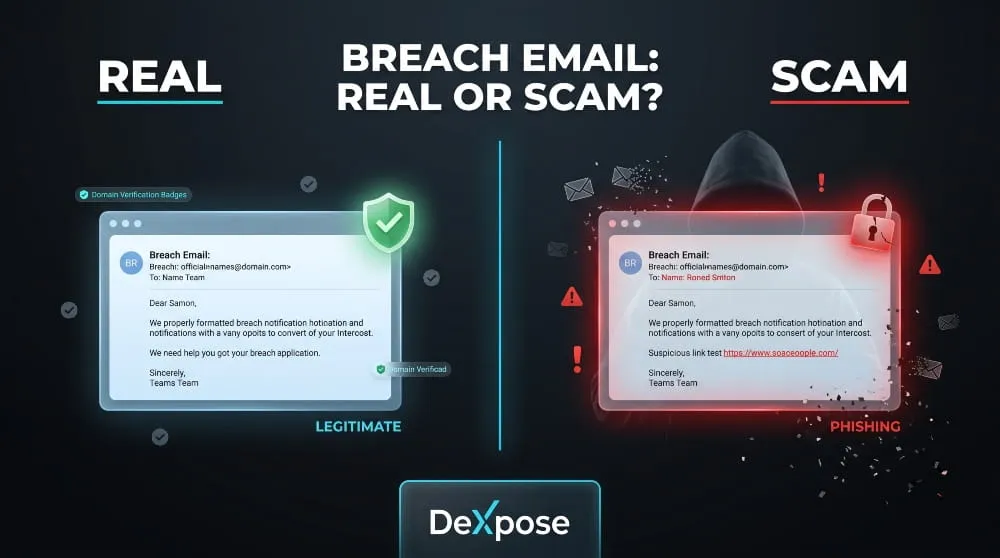
Here’s how to tell them apart.
Legitimate breach notification emails will address you by name, reference a specific incident with approximate dates, explain what data was affected, and direct you to the company’s official website, not a link embedded in the email. They will not ask you to confirm your password, enter payment details, or click an urgent “secure your account now” button.
Phishing emails impersonating breach notifications typically create false urgency, use generic greetings, include links that don’t resolve to the company’s actual domain, and ask you to take an action that would give the attacker something useful, such as your credentials, a verification code, or payment information.
If you receive a breach notification from Ticketmaster, Prosper, Credit Karma, Ledger, or any other company and you’re unsure if it’s real, don’t click anything in the email. Go directly to that company’s website by typing the address yourself, then check your account notifications from there.
Companies are legally required to notify affected users within specific timeframes under laws such as the GDPR (72 hours for organizations in the EU) and various U.S. state breach notification laws. That said, notification timelines vary, and not every jurisdiction has strict enforcement, which is why proactively checking your email exposure matters more than waiting to hear from the company.
Your Email Was Found in a Data Breach, Here’s What to Do
Finding your email in a breach database isn’t a reason to panic, but it is a reason to act quickly and methodically.
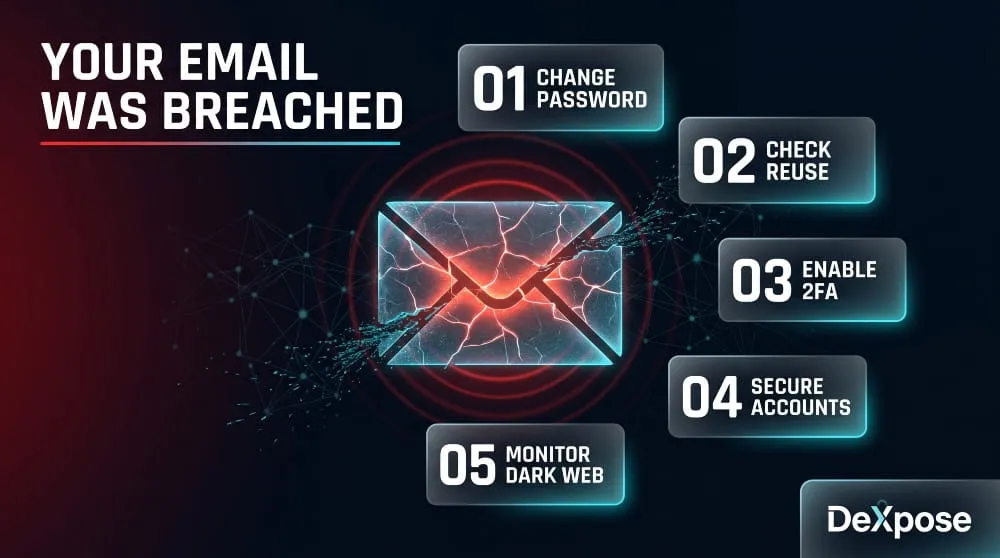
Change your password on the affected account first. Use a long, unique password that you haven’t used anywhere else. If the breach included your password, even in hashed form, assume it can eventually be cracked and treat it as compromised.
Audit every other account that uses the same email address. The real risk after a breach isn’t usually the breached account itself; it’s credential stuffing, where attackers take your leaked email and password combination and try it across hundreds of other services automatically. Banking, email, streaming, e-commerce, if you’ve reused that password anywhere, change it everywhere.
Enable two-factor authentication wherever possible. Even if an attacker has your correct password, 2FA stops them at the login gate. Authenticator apps (like Google Authenticator or Authy) are more secure than SMS-based 2FA, but either is significantly better than nothing.
Monitor for dark web activity going forward. One-time checks are useful snapshots, but breach data surfaces continuously. Your credentials from a 2024 incident might not appear on dark web marketplaces until 2025 or 2026. Ongoing monitoring, not just a single scan, is what gives you early warning.
As for changing your email address entirely: in most cases, it’s not necessary and creates more disruption than it prevents. The better move is to secure the accounts associated with that address and monitor for new exposures. The exception is if your email address itself is being actively targeted, receiving a high volume of convincing phishing attempts that reference personal details, in which case starting fresh with a new address and gradually migrating your accounts is worth considering.
DeXpose’s Dark Web Monitoring watches dark web sources, breach databases, and malware logs continuously, so you’re alerted the moment your credentials surface in new data, not weeks after the fact.
How to Prevent Your Email From Being Exposed in Future Breaches
The honest answer is that you can’t fully control whether a company you’ve trusted gets breached. What you can control is how much damage a breach causes when it happens.
Using a unique password for every account is the single highest-impact habit you can build. Password managers make this practical; you only remember one master password, and the manager handles the rest. When a breach happens, the damage is contained to that one account rather than cascading across everything you own.
Being selective about which services you give your primary email address to also helps. Consider using a secondary address or an email alias for lower-trust signups, newsletters, free trials, and discount registrations. That way, if that address is compromised, your primary address isn’t the one circulating.
Understanding phishing remains critical because phishing is the leading entry point for the breaches that create this problem in the first place. Scrutinize unexpected emails that ask you to click, verify, or log in. Check sender domains carefully. When in doubt, navigate directly rather than through email links.
Finally, regarding GDPR and email sharing: yes, sharing someone’s email address without their consent can constitute a data protection violation under GDPR and similar frameworks, depending on the jurisdiction and context. Organizations that expose customer email addresses through negligent security practices or share them without authorization face regulatory liability beyond the breach itself.
Concerned your email is already circulating in breach data? Get your free dark web exposure report from DeXpose, covering dark web markets, malware logs, and public breaches in one instant summary.
Frequently Asked Questions
What is an email data breach?
An email data breach occurs when a company storing your email address (and often other personal data) is compromised by an unauthorized party, and that data is extracted, leaked, or sold. Your email ends up in breach databases without you having done anything wrong.
How do I know if my email has been breached?
The most reliable way is to run your email through a breach scan tool that checks against known leaked databases. DeXpose’s Email Data Breach Scan searches the dark web, malware logs, and public breach records, and returns your exposure summary for free.
What should I do if my email appears in a data breach?
Change the password on the affected account immediately, check for password reuse across other services, enable two-factor authentication, and set up ongoing monitoring for future exposures. Act fast; attackers use breach data quickly.
What percentage of data breaches are caused by phishing emails?
Phishing is responsible for approximately 36% of all data breaches, making it the most common initial attack vector. A single phishing email clicked by one employee can expose millions of customer records.
Is sharing someone’s email address a breach of GDPR?
It can be. Under GDPR, email addresses are classified as personal data. Sharing them without a lawful basis or the subject’s consent, particularly in ways that expose them to harm, can constitute a data protection violation.
Can I remove my email from breach databases?
You cannot remove your email from third-party breach aggregators or dark web sources once it’s been leaked. What you can do is secure the accounts associated with that address and monitor for new exposures, which limits the practical impact of the breach.
What’s the difference between an email breach and an email hack?
A hack means someone accessed your email account directly. A breach means a company you have an account with was compromised, and your data was part of what leaked. Both require action, but the response steps differ.
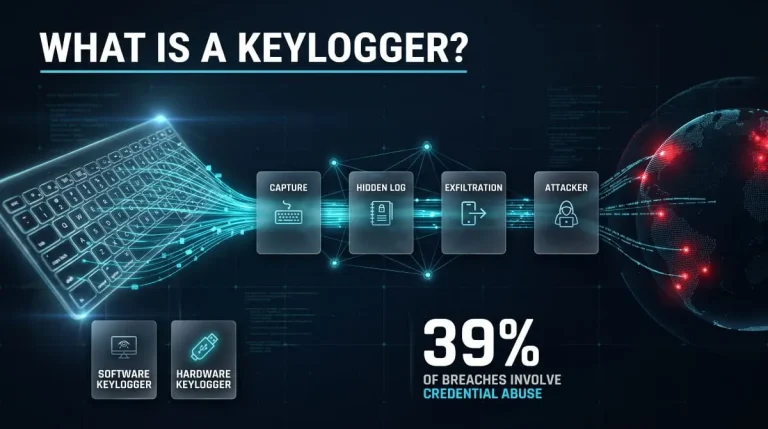
What Is a Keylogger? Definition, Types, Detection and Removal (Complete 2026 Guide)
A keylogger is software or hardware that records every keystroke typed on a device, usually without the user knowing. Attackers use keyloggers to steal passwords, card…
Read more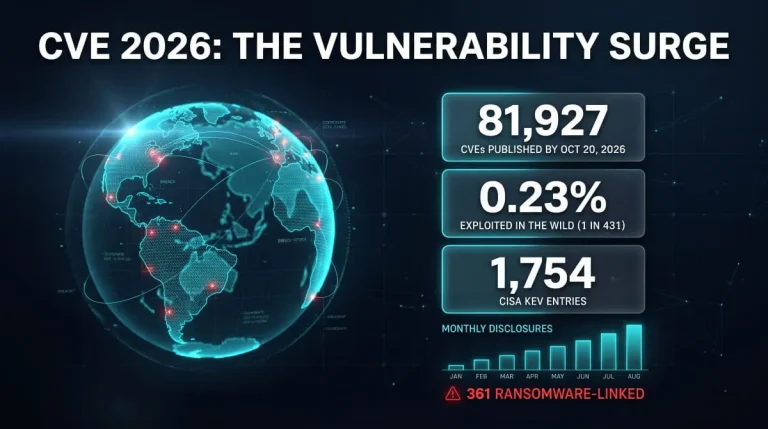
CVE 2026 | The Complete Guide to New, Critical & Actively Exploited Vulnerabilities (Updated Weekly)
CVE 2026 covers every publicly disclosed software flaw assigned a CVE-2026-NNNNN identifier this year, and it is already the largest annual list on record. This guide…
Read more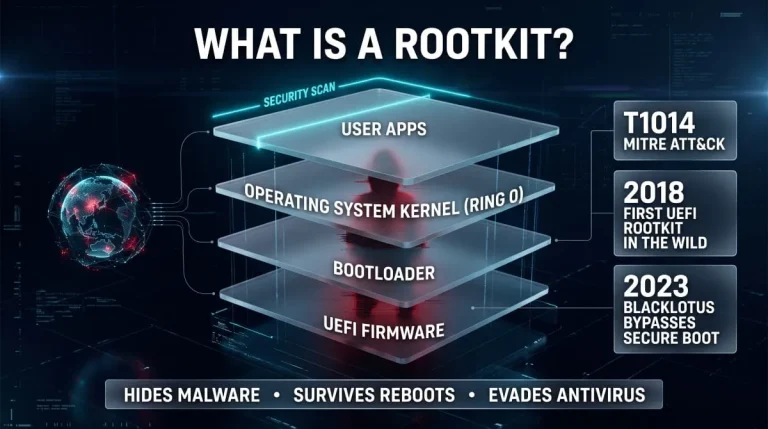
What Is a Rootkit? Definition, Types, Examples, Detection and Removal (Complete Guide)
A rootkit is malicious software that hides itself and the malware it protects by running with the highest privileges and tampering with what the operating system…
Read more