
Data Leak Checker | Find Out Instantly If Your Data Was Leaked (Free)
A data leak checker is a free tool that scans known breach databases and dark web dumps to tell you, in seconds, whether your email, phone number, or other personal information has been exposed. You enter what you want to check, the tool searches its records, and you get a clear yes-or-no answer along with details on where the exposure happened.
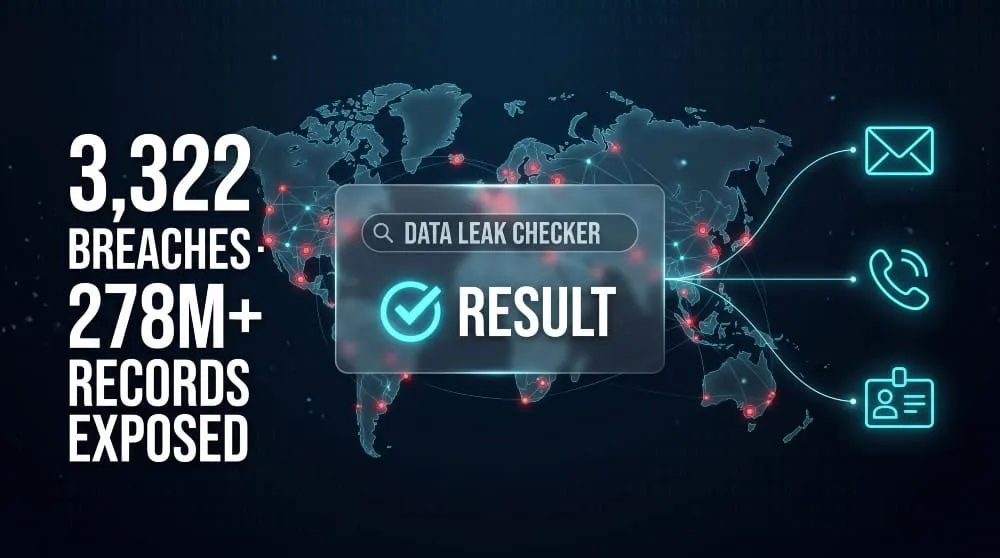
Checking isn’t optional caution anymore; it’s basic upkeep. In 2025, U.S. organizations reported 3,322 separate data compromises, exposing the personal information of over 278 million people, and most of those individuals never learned from the company that lost their data; they learned only when it turned up elsewhere first, according to the Identity Theft Resource Center. A data leak checker closes that gap. Instead of waiting for a breach notification that may never arrive, you can check your own exposure directly right now for free. The sections below walk through exactly how that works, where leaked data tends to surface, and what to do if the checker turns up a match.
What Is a Data Leak Checker?
A data leak checker is a tool that searches known breach dumps, dark web forums, and leaked credential databases to tell you whether your personal information, an email address, phone number, password, or SSN, is circulating without your knowledge. It doesn’t prevent leaks or monitor your accounts in real time; it answers one specific question: has this information already been exposed, and if so, where?
How a Data Leak Checker Works
When you submit an email address or phone number, the checker runs it against a continuously updated index of breached and leaked datasets, combo lists traded on dark web forums, credentials harvested by infostealer malware, and records dumped after a company’s systems were compromised. If your information appears in any of those datasets, the tool returns a match: which dataset it came from, roughly when the exposure occurred, and what type of data was included (password, phone number, address, and so on). This matters because a large share of exposed credentials never come from the original company at all; infostealer malware delivered through phishing emails increased 84% year over year, quietly harvesting login data straight from infected devices long before any breach is ever reported. A checker is built to catch that kind of silent exposure, not just headline breaches.
Data Leak vs. Data Breach, What’s the Difference?
A data breach is a deliberate, unauthorized intrusion into a system; an attacker exploits a vulnerability, steals credentials, or breaks in through a third-party vendor to extract data. A data leak is broader and often accidental: it’s any instance where sensitive data becomes accessible to people who shouldn’t have it, whether that’s through a misconfigured database left open on the internet, an employee mishandling files, or credentials quietly skimmed by malware with no “hack” ever taking place. Every breach eventually produces leaked data, but not every leak comes from a breach, which is why a data leak checker searches both formal breach records and the messier, unreported leaks that never make the news.
Check If Your Data Has Been Leaked (Free Tool)
You can check whether your data has been leaked right now, for free, by entering your email address, phone number, or SSN into DeXpose’s data leak checker. The tool cross-references what you submit against breach dumps, dark web listings, and infostealer logs, then returns a direct match or no-match result within seconds, no signup or payment required to run the check.
Check by Email Address
Enter your email address and the checker scans it against known breach databases and credential dumps traded on the dark web. Email is the most commonly leaked data type, since it’s the one field nearly every online account requires, which means a single email address can turn up in results tied to dozens of unrelated breaches over the years. If a match appears, the result shows which breach or dataset it came from and what else was exposed alongside it, such as a password or security question, so you know exactly what needs to change.
Check by Phone Number
Enter your phone number to see whether it appears in leaked SMS databases, data broker dumps, or breach records where phone numbers were collected alongside names and addresses. Phone numbers are increasingly targeted for SIM-swapping and smishing campaigns. Hence, a match here is worth acting on even if no password was involved; it tells attackers you’re a reachable, verified target. The checker flags the source dataset so you can judge how recent and how serious the exposure is.
Check by SSN / Government ID
Enter your Social Security number or other government ID to check it against the far smaller, far more sensitive pool of breaches that exposed identity documents rather than just login credentials, incidents like the National Public Data breach, which affected hundreds of millions of records. An SSN match carries more weight than an email or phone match, since it can’t be reset like a password; a positive result should prompt an immediate credit freeze and fraud alert, not just a password change.
Where Leaked Data Actually Shows Up
Leaked data doesn’t sit in one place; it moves through a loose ecosystem of dark web marketplaces, credential lists traded between criminals, and breach archives that get re-shared long after the original incident. Knowing where to look explains why a data leak checker has to search multiple sources rather than just one database.
Dark Web Marketplaces and Forums
Dark web marketplaces and forums are where stolen data first gets sold or given away, often within days of a breach. Threat actors post samples to prove the data is real, then sell full datasets to buyers who use it for fraud, account takeover, or further resale. After a breach, ShinyHunters and similar groups have leaked partial data from multiple companies via these same dark web mirrors, even after claiming the campaign was over. Because listings get renamed, re-uploaded, and passed between forums, a single leak can resurface under different names for years.
Combo Lists and Credential Dumps
A combo list is a plain-text file that pairs emails or usernames with passwords, usually compiled from multiple breaches rather than a single source. Criminals build these lists specifically for credential stuffing, automated login attempts across hundreds of sites, testing whether a password reused from one breach still works elsewhere. This is also where infostealer malware feeds directly into the leak ecosystem: malware silently harvests saved passwords and session cookies from an infected device, then dumps them into exactly this kind of list, which is why a combo list often contains far more recent, unreported credentials than any known corporate breach.
Public Breach Databases
Public breach databases are structured, searchable archives, like the ones a data leak checker queries, that catalog confirmed breaches by company, date, and what type of data was exposed. Unlike dark web forums, these databases are typically compiled from disclosed breaches, reported to regulators, or independently verified by researchers, making them the most reliable starting point for checking your own exposure. The Identity Theft Resource Center alone has tracked over 21,900 U.S. data compromises since 2005, totaling nearly 60 billion exposed records, a scale that makes manual tracking impossible and a structured checker necessary.
Best Data Leak Checkers Compared
Several free tools check for leaked data, but they differ in what they scan, whether an account is required, and how much detail they provide. The comparisons below cover where DeXpose overlaps with three of the most-searched alternatives.
DeXpose vs. Cybernews Personal Data Leak Check
Cybernews’ checker searches its database of leaked, hashed emails and returns which breach a match came from, without storing the email you enter, letting users find out if an email or related personal information has surfaced in a leak by searching a hashed database compiled from ongoing monitoring of breach sources. DeXpose covers the same email-lookup use case but extends the check to phone numbers and SSNs in the same search, and ties a positive match into ongoing dark web monitoring rather than a single point-in-time lookup, useful if you want to know not just what already leaked, but whether new mentions of your data appear later.
DeXpose vs. Surfshark Data Leak Checker
Surfshark’s tool checks an email address against both large-scale database breaches and malware-based leaks, splitting results into those two categories. The report separates database breach exposure from malware-based leaks that reveal how a user’s email might be compromised through malware on their device. It’s a solid single-field check, but it’s built around email only and sits inside the broader Surfshark One subscription ecosystem. DeXpose runs the equivalent free email check without requiring a VPN subscription and adds phone number and SSN lookups in the same interface.
DeXpose vs. Kaspersky / Trend Micro ID Protection
Kaspersky’s Data Leak Checker is account-bound: it runs within the Kaspersky application, checks email-based accounts, and, on paid plans, can auto-check up to 50 saved accounts once every 24 hours, notifying you if it discovers that your data may have become publicly accessible, along with the affected site and data category. Trend Micro ID Protection goes further into paid territory, offering dark web and social media monitoring plus password management during a 7-day free trial before billing starts. It bundles personal identity monitoring, social media monitoring, and secure password management into a single subscription. Both are capable tools, but neither offers a true no-account, no-trial check the way DeXpose does; you can run a DeXpose lookup without installing an app or starting a trial clock.
Signs Your Data May Have Already Leaked
You don’t always find out your data leaked from a checker; sometimes your accounts show warning signs first. Unexpected login alerts, password reset emails you didn’t request, and unfamiliar transactions are the three most common tip-offs that your credentials are already circulating somewhere, even before you run a formal check.
Unexpected Login Alerts or Password Reset Emails
A login alert from a service you didn’t just access, or a password reset email you never requested, usually means someone else has your email address and is either trying it against that account directly or testing it as part of a credential-stuffing attack. Credential abuse, attackers reusing stolen username-and-password pairs across other sites, remains the single most common way breaches happen, accounting for 22% of all confirmed incidents. If you get one of these alerts, don’t dismiss it as spam: treat it as a signal to change that password immediately and to check whether the same password is reused elsewhere.
Unfamiliar Accounts or Transactions
New accounts opened in your name, unfamiliar charges on a card statement, or loyalty/rewards accounts you never created are a stronger signal than a login alert, because they mean leaked data has already been acted on rather than just tested. This is especially telling with SSNs and full identity records, since criminals use them to open credit lines or file fraudulent claims that only surface once a statement or credit report shows the activity. If you spot either, the priority shifts from just changing a password to freezing credit and disputing the specific account or charge directly with the issuer.
What to Do If Your Data Was Leaked
If a check confirms your data was leaked, the response depends on what type of data was exposed: passwords call for a reset and 2FA; an exposed SSN calls for a credit freeze; and any confirmed leak justifies ongoing monitoring so you catch the next one faster than you caught this one.
Change Passwords and Enable 2FA.
Change the password on the affected account first, then change it anywhere else you reused it; reused passwords are exactly what turn a single leaked account into several compromised ones. After that, enable two-factor authentication if the account offers it: Microsoft reports that MFA blocks 99.9% of automated account takeover attempts, even when an attacker already has your correct password. That one step closes most of the gap a password leak opens.
Freeze Credit / Monitor for SSN Misuse
If your SSN or another government ID was part of the leak, place a freeze with all three credit bureaus (Equifax, Experian, and TransUnion); this is free and prevents new credit accounts from being opened in your name without your explicit approval to lift the freeze. Follow that with a fraud alert and a close read of your next few credit reports and account statements, since SSN misuse often shows up weeks or months later rather than immediately, once the data has been resold or used in a batch of applications.
Set Up Ongoing Dark Web Monitoring
A one-time check tells you about leaks that have already happened; ongoing dark web monitoring tells you the moment new ones occur by continuously scanning breach dumps and dark web listings for your email, phone number, or SSN and automatically alerting you when a match appears. Given how often the same data resurfaces months or years after the original leak under a different dataset name, monitoring closes the gap that a single manual check can’t; you find out at the moment of exposure instead of the next time you happen to run a search.
Is It Safe to Use a Data Leak Checker?
Yes, using a data leak checker is safe as long as it only asks for the piece of data you’re checking, an email, phone number, or SSN, and doesn’t ask you to log in, enter a password, or provide payment details to see your result. Legitimate checkers search against existing breach records; they don’t need your account credentials to do that, and any tool that asks for them should be treated as a red flag rather than a security feature.
What a Legitimate Checker Does (and Doesn’t) Ask For
A legitimate checker asks for exactly one identifier at a time, the email, phone number, or SSN you want checked, and nothing more. It should never ask for your password, even “just to verify,” since checking whether data has leaked requires no knowledge of your current credentials. Reputable tools also disclose how they handle what you submit: Cybernews, for example, states that it hashes and doesn’t store the email addresses entered into its checker, a practice worth looking for in any tool before you use it. If a “checker” asks you to create an account, enter a card number, or download software before showing results, it’s no longer just checking for a leak; it’s collecting data of its own, which defeats the purpose of running the check in the first place.
Frequently Asked Questions (FAQ’s)
How can I tell if my information has been exposed online?
Run your email or phone number through a checker that scans breach and dark web records; a match will name the source and date of exposure. Watch for unexpected login alerts too, since those often surface before a formal check confirms anything.
Is there a way to find this out without paying for anything?
Yes. Reputable checkers let you search for free and only ask for the single piece of information you’re checking, with no account or card required to see the result.
How often should I check?
Run a check whenever you hear about a major incident affecting a service you use, and otherwise every few months, since new leaks surface constantly and a clean result today doesn’t guarantee one next month.
What if the same information keeps appearing across multiple results?
That usually means the same underlying leak has been repackaged and reshared under different dataset names; it’s still worth addressing (password reset, credit freeze) even if you’ve already dealt with the original incident.
Can I check on behalf of a family member?
Yes, as long as you’re entering their email, phone number, or SSN with their knowledge, the process is identical to checking your own, since the tool only needs the identifier, not account access.
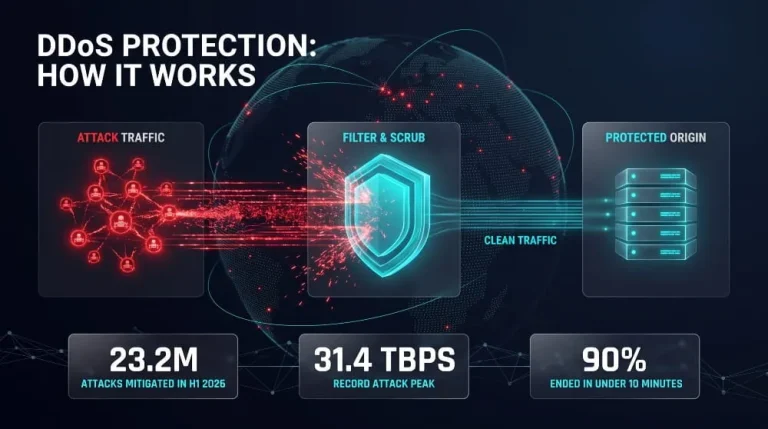
DDoS Protection | How It Works and How to Protect Against DDoS Attacks
DDoS protection combines tools and techniques to detect and filter malicious traffic from a distributed denial-of-service (DDoS) attack before it overwhelms a website, server, or network.…
Read more
Botnet Groups | How Mirai, Emotet, QakBot, Aisuru and Other Botnets Work (and How to Detect and Stop Them)
Botnet groups are networks of hacked devices run by criminal operators, who use them to steal data, spread ransomware, and launch DDoS attacks. Each group works…
Read more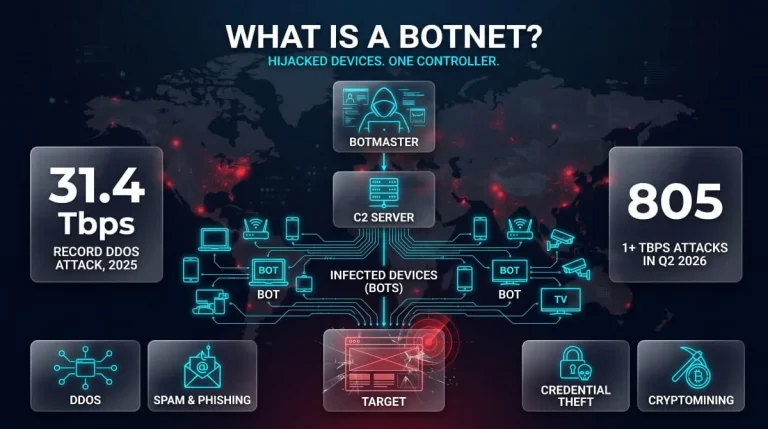
What Is a Botnet? Definition, How Botnets Work, Types, Examples & How to Stay Protected
A botnet is a network of internet-connected devices, such as computers, phones, routers, and cameras, infected with malware and secretly controlled by an attacker. The attacker,…
Read more