
What Is a Data Leak? Complete Guide to Causes, Risks & How to Check Yours
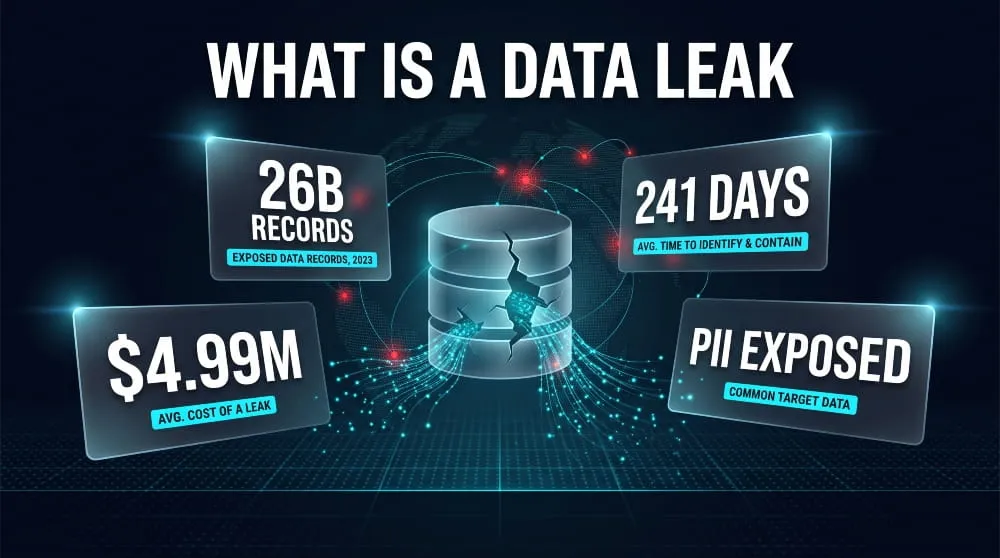
A data leak happens when sensitive information is exposed to unauthorized parties, usually by accident, rather than through a targeted cyberattack. It can be as simple as a misconfigured database left open online or as damaging as an entire customer list uploaded to the wrong server no hacker required, just a mistake with real consequences.
The scale of that risk is only growing. According to IBM’s 2026 Cost of a Data Breach Report, the average breach now costs organizations $4.99 million, a record high driven largely by AI-assisted attacks and slower detection times. For individuals, the fallout looks different but is just as real: leaked emails, passwords, and personal records feed directly into phishing campaigns, account takeovers, and identity theft.
This guide breaks down what a data leak is, how it differs from a data breach, why they happen, and, most importantly, how to check whether your information has already been exposed.
What Is a Data Leak? (Definition)
A data leak is the unintentional exposure of sensitive or confidential information through a misconfigured server, an unsecured database, a lost device, or a careless email, making the data accessible to people who were never supposed to see it. The defining feature isn’t malice; it’s exposure. No one had to break in for a data leak to happen, which is exactly what makes it so hard to catch before the damage is done.
Data Leak vs. Data Breach: What’s the Difference?
The terms get used interchangeably, but the distinction comes down to intent. A data leak is accidental, information left exposed due to human error, misconfiguration, or oversight. A data breach is the result of a deliberate attack in which someone actively infiltrates a system to steal data. In practice, the two are closely linked: a leak is often what gives attackers the opening they need, turning an accidental exposure into the entry point for a full-scale breach. According to IBM’s 2025 Cost of a Data Breach Report, just over half of breaches (51%) stem from malicious attacks, while human error accounts for 26% and IT system failures for another 23%, meaning nearly half of all incidents trace back to the kind of accidental exposure that defines a data leak, not an attack.
Common Types of Data Leaks
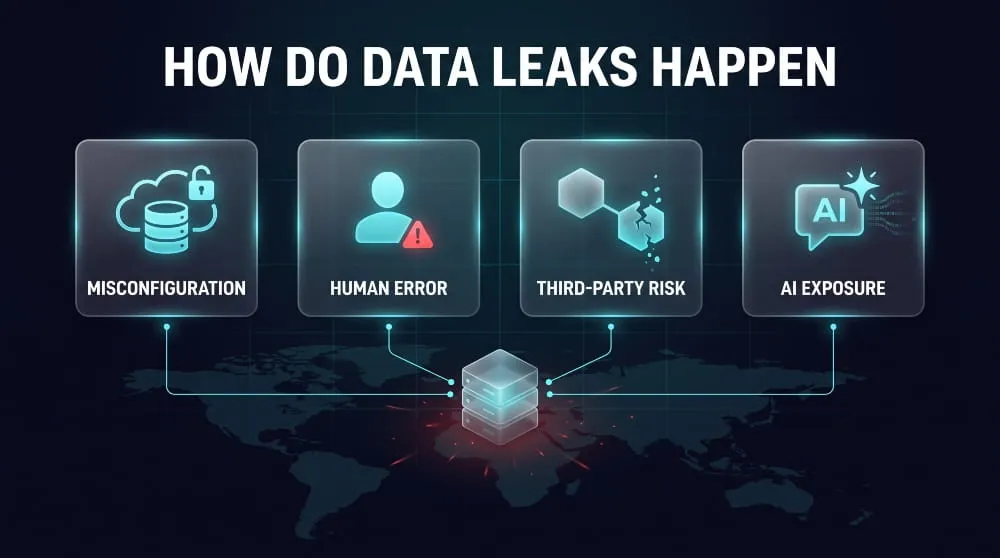
Data leaks tend to fall into a handful of recurring patterns. Misconfigured cloud storage, an S3 bucket or database left open without a password, is one of the most frequent causes, exposing records to anyone who stumbles across the link. Insider mistakes are another major source, whether that’s an employee emailing a spreadsheet to the wrong recipient or accidentally publishing internal files to a public-facing site. Lost or stolen devices, such as an unencrypted laptop or phone containing customer data, create the same exposure through a different route. Third-party and vendor leaks are increasingly common, too, in which a partner company with access to your data suffers a security lapse. And more recently, AI tools have opened a new category entirely: employees pasting sensitive company or customer data into public AI models, where it can be logged, stored, or resurfaced in ways no one intended.
How Do Data Leaks Happen?
Data leaks occur when sensitive information becomes accessible outside its intended boundaries, usually because a system was misconfigured, a person made an avoidable mistake, or a third party with access to the data failed to secure it properly. Unlike a breach, no single moment of “hacking” is required; the exposure is often already sitting there, waiting to be found.
Human Error & Misconfiguration
The single biggest driver of data leaks is simple misconfiguration: a cloud storage bucket left without access controls, a database deployed with default credentials, or a firewall rule that’s broader than it should be. These aren’t sophisticated failures; they’re small oversights made during setup or maintenance that quietly leave an entire dataset open to anyone who finds the right URL. IT and system failures of this kind account for 23% of all data incidents, according to IBM’s 2025 Cost of a Data Breach Report, nearly a quarter of every case traced back not to an attacker, but to a technical gap no one caught in time.
Insider Threats and Employee Mistakes
Not every leak comes from outside the organization. Employees routinely create exposure without intent to cause harm, such as attaching the wrong file to an email, granting overly broad sharing permissions on a document, or moving customer data to a personal device for convenience. These moments rarely make headlines individually, but collectively they represent one of the most persistent sources of leaked data, precisely because they occur within systems that are otherwise well-protected.
Third-Party and Vendor Exposure
Modern organizations rarely hold all their data in-house; it flows through payment processors, marketing platforms, contractors, and countless other vendors, each one a potential point of failure. If a third party mishandles the data it’s been entrusted with, the exposure traces back to the original company regardless of who made the mistake. Supply-chain compromises are now the second-most common initial access point, behind data incidents, involved in nearly 15% of cases, making vendor security as critical to manage as internal security.
AI Tools and Accidental Data Exposure
The newest source of data leaks doesn’t involve hacking at all; it’s employees pasting confidential information into public AI tools to get a quick answer or draft. Once that data leaves the company’s systems, there’s often no way to know where it’s stored, whether it’s been logged, or if it could resurface in another user’s results. This risk is expanding quickly: incidents involving unauthorized “shadow AI” tools have been linked to an additional $670,000 in average breach costs, largely because most organizations still lack the access controls or oversight needed to catch this kind of exposure before it happens.
How Serious Are Data Leaks? (Scale & Recent Trends)
Data leaks have moved from occasional headlines to a near-daily occurrence, and the scale has grown to an almost incomprehensible level. What used to be measured in thousands of exposed records is now routinely measured in billions, and the pace of new incidents is accelerating rather than slowing down.
Biggest Data Leaks in History
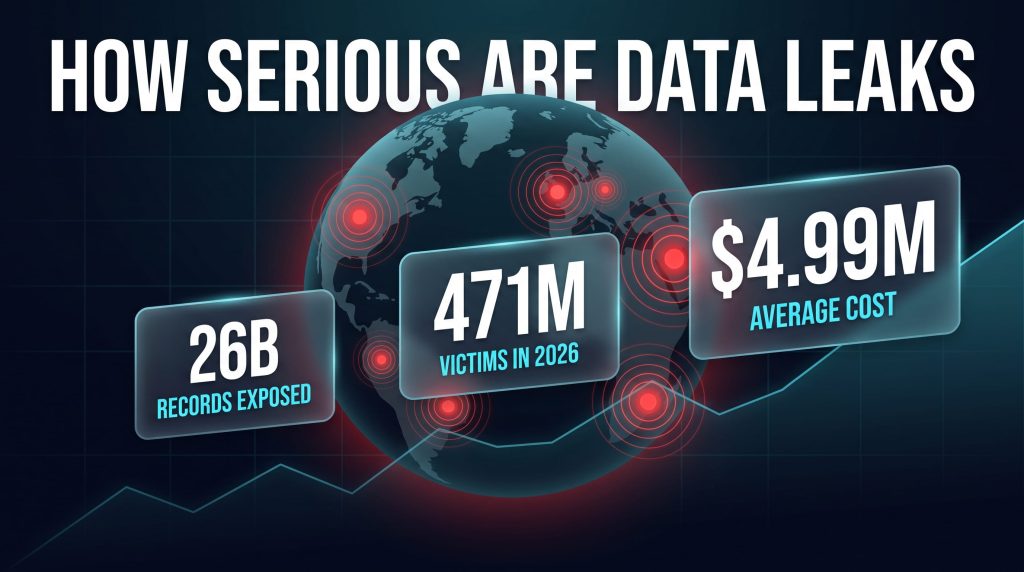
The largest data leak on record is the so-called “Mother of All Breaches,” discovered in early 2024, which exposed roughly 26 billion records compiled from thousands of earlier leaks rather than a single new hack, a stark reminder that leaked data doesn’t expire once it’s out. More recently, in mid-2025, researchers uncovered a fresh exposure of over 16 billion login credentials spanning social media, banking, and corporate platforms, much of it harvested by infostealer malware rather than pulled from old dumps. These aggregate leaks differ from single-company breaches like the 2024 National Public Data incident, which alone exposed nearly 2.9 billion records containing Social Security numbers and personal details, still one of the largest single-source exposures of sensitive identity data ever recorded.
Recent Data Leaks You Should Know About
Leaks aren’t a relic of a few high-profile years; they’re an ongoing weekly occurrence across every industry. In the first half of 2026 alone, the Identity Theft Resource Center recorded more than 471 million victim notifications tied to data compromises, already surpassing the pace set in 2025. Recent incidents have ranged from third-party vendor exposures, where a company’s logistics or support partner is compromised and customer data leaks as a result, to AI-driven attacks that now account for roughly one in four malicious breaches. The common thread across nearly all of them is that attackers increasingly don’t need to “hack” anything; they log in with valid, leaked, or inherited credentials and take what they want.
Why Data Leak Frequency Is Rising
Several forces are converging to push leak numbers higher every year. Organizations now spread data across more cloud environments, vendors, and AI tools than ever, multiplying the number of places where a single misconfiguration or oversight can expose information. At the same time, attackers have gotten faster at weaponizing whatever leaks do occur, using automated credential-stuffing tools to test leaked passwords across thousands of other services within hours of a dump going public. IBM’s research reflects this shift directly: AI-driven attacks rose 56% year-over-year in the latest reporting period, showing that both the exposure surface and the speed of exploitation are expanding at the same time, a combination that makes proactive monitoring far more valuable than reacting after the fact.
Is My Data in a Leak? How to Check
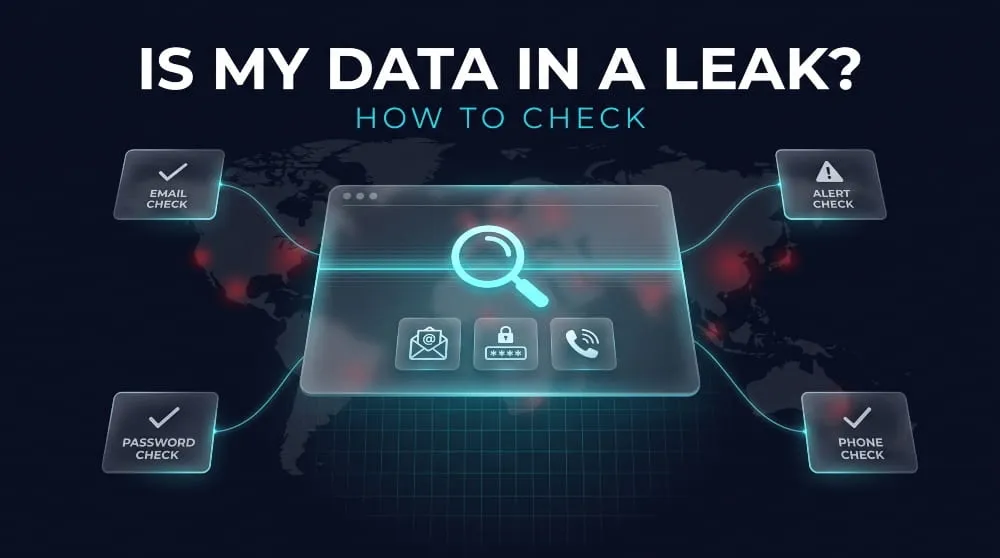
The fastest way to find out if your data was part of a leak is to run your email address, phone number, or password through a dedicated checker tool; most return an answer in seconds by cross-referencing known breach and dark web databases. Waiting to find out after a fraudulent charge or a hijacked account is far more costly than checking now.
How to Check If Your Email Was Leaked
Your email address is the single most common piece of data caught in leaks, since it’s tied to nearly every online account you hold. A data leak checker works by scanning known breach databases and dark web sources for your address and flagging which incidents it appeared in, often including the date and type of data exposed. DeXpose’s Email Data Breach Scan does exactly this; enter your email, and it checks it against dark web sources and public breach records to show you your actual exposure, not just a generic warning.
How to Check If Your Password Appeared in a Data Leak
Checking a password directly is riskier than checking an email, since you never want to type a real, active password into an unfamiliar tool. Reputable checkers instead use a hashing technique that verifies whether a password matches one in a publicly leaked dataset without ever transmitting or storing the actual password. If a check comes back positive, treat it as a hard deadline: change that password immediately and update it everywhere else you’ve reused it, since credential-stuffing attacks work by testing a single leaked password across thousands of other sites in bulk.
How to Check If Your Phone Number Was Exposed
Phone numbers show up in leaks less often than email addresses. Still, they are increasingly valuable to attackers, since a leaked number, combined with a name or email address, is enough to carry out convincing SIM-swap attempts and SMS phishing. A phone number checker cross-references your number against known leaked datasets, just as an email checker does, to determine whether it’s tied to any confirmed breaches. If your number does turn up, contacting your carrier to add a SIM-swap PIN or lock is worth doing immediately, since that’s the most common way a leaked phone number turns into a hijacked account.
Free Data Leak Checker Tools
You don’t need to pay for peace of mind here; DeXpose offers two free tools built specifically for this. The Free Darkweb Report gives you an instant exposure report covering dark web markets, malware logs, and public breaches tied to your information. At the same time, the Email Data Breach Scan checks a specific email address against known breach sources and dark web listings. Running both takes less than a minute and gives you a clear starting point. If either comes back positive, everything in the next section on prevention becomes your immediate to-do list rather than a someday task.
What to Do If Your Data Was Leaked
If a checker confirms your data was part of a leak, the priority is speed: secure the exposed account first, then work outward to any other places where that information could be reused against you. Most damage from a leak doesn’t occur in the moment of exposure; it happens in the days and weeks that follow, when attackers get around to using what they’ve collected.
Immediate Steps to Take
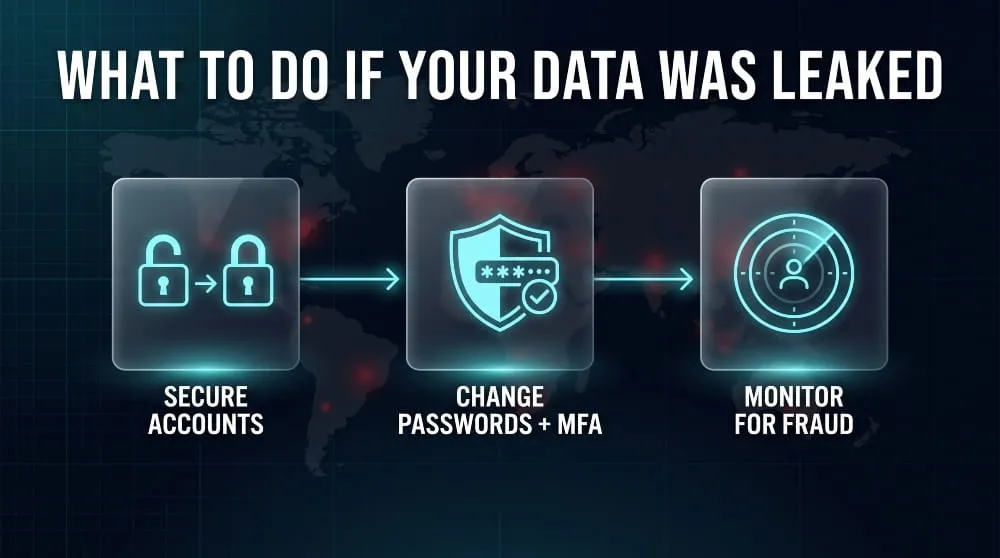
Start with the account tied to the leaked data itself, whether that’s an email provider, a retailer, or a financial service, and confirm no unauthorized changes have already been made to your profile, recovery email, or payment details. From there, check whether the same password shows up anywhere else you’ve used it, since reused credentials are exactly what turn one leak into several compromised accounts. It’s also worth reviewing recent account activity and login history for anything unfamiliar; an unrecognized device or location is often the first real sign that leaked data has already been used.
Changing Passwords and Enabling MFA
Change the password on the affected account immediately, and change it anywhere else it was reused. Use a unique password for each site going forward; a password manager makes this realistic to maintain over the long term. Alongside that, enable multi-factor authentication wherever it’s available, since it adds a second barrier that a leaked password alone can’t overcome. This step matters more than people tend to assume: credential-related attacks that succeed despite MFA are far rarer, and IBM’s research found that breaches involving compromised credentials without additional safeguards took an average of 292 days to identify and contain, nearly ten months of undetected exposure that a second authentication factor helps close off entirely.
Monitoring for Identity Theft
Once the immediate account is secured, the longer-term risk is identity theft using the personal details that leaked alongside your login information- names, addresses, or Social Security numbers- that are far harder to “change” than a password. Keep an eye on bank and credit card statements for unfamiliar charges, and consider placing a fraud alert or credit freeze with the major credit bureaus if the leak included sensitive identifiers like a Social Security number. Ongoing dark web monitoring is worth setting up at this stage, too, since it flags when your information resurfaces in a future leak or gets bundled into a new dataset. Catching a second exposure early is far easier than untangling identity theft after the fact.
How to Prevent Data Leaks
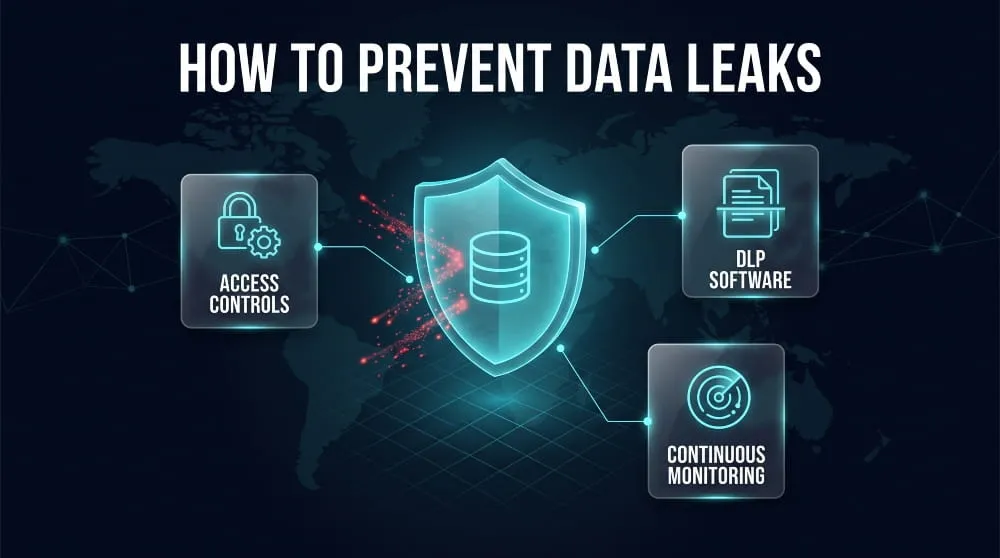
Preventing a data leak comes down to controlling three things: who can access sensitive data, how it’s stored, and how quickly you’d notice if something went wrong. Most leaks trace back to a gap in one of these three areas rather than a sophisticated attack, which is exactly why prevention is more achievable than it sounds.
Data Leak Prevention (DLP) Best Practices
The foundation of data leak prevention is limiting access to only what each person or system actually needs, rather than granting broad permissions by default. Regularly auditing cloud storage configurations catches the misconfigured databases and open buckets that cause a large share of leaks before outsiders ever discover them. Employee training matters just as much as technical controls; teaching staff to recognize phishing attempts, verify recipients before sharing sensitive files, and avoid pasting confidential data into public AI tools closes off some of the most common accidental exposure paths. None of this requires enterprise budgets to start; it requires consistency, since a single overlooked permission or unreviewed configuration is often all it takes.
Data Leak Prevention Software and Tools
Dedicated DLP software adds an automated layer on top of good practices, scanning outbound emails, file transfers, and cloud activity for sensitive data patterns, like Social Security numbers or credit card formats, and blocking or flagging them before they leave the organization. These tools are particularly effective at catching the kind of accidental exposure that human review misses, such as an employee attaching the wrong spreadsheet to a mass email. The investment pays off in measurable terms: organizations using AI and automation extensively in their security operations cut an average of $1.9 million from breach-related costs compared to those relying on manual processes, according to IBM’s research, a gap large enough that prevention tooling functions less like overhead and more like insurance with a clear return.
Data Leak Monitoring for Businesses
Prevention reduces the odds of a leak, but monitoring limits the damage when one slips through anyway. Continuous dark web and breach monitoring alerts a business the moment employee credentials, customer records, or internal documents surface in a leak, often giving security teams a head start before the data is actively exploited. This matters because detection speed is directly tied to cost; breaches identified within 200 days cost organizations an average of $3.87 million, compared to $5.01 million for those that take longer, a gap of over a million dollars tied entirely to how fast the exposure was caught. For businesses handling customer or employee data at any scale, that speed advantage is what separates a contained incident from a full-blown crisis.
Data Leaks and the Law
Whether you can sue over a data leak depends on whether you can show real harm; courts generally won’t allow a lawsuit based on exposure alone, but a growing body of settlements shows that companies are regularly held accountable when negligence is involved. This is general information, not legal advice, and anyone considering legal action should speak with an attorney about their specific situation.
Can You Sue If Your Data Was Leaked?
In most U.S. jurisdictions, having your data exposed in a leak isn’t automatically enough to sue; courts typically require you to show “standing,” meaning you suffered concrete harm like financial loss, identity theft, or a documented increase in fraud risk, not just the fact that your information was out there. This is a real hurdle in data breach litigation, and it’s part of why many cases settle rather than go to trial: companies often prefer to resolve claims through a settlement fund rather than litigate the standing question in court. If you can point to specific losses, fraudulent charges, time spent fixing your credit, or out-of-pocket costs from identity theft, your case is considerably stronger than one based on exposure alone.
Data Leak Settlements and Legal Recourse
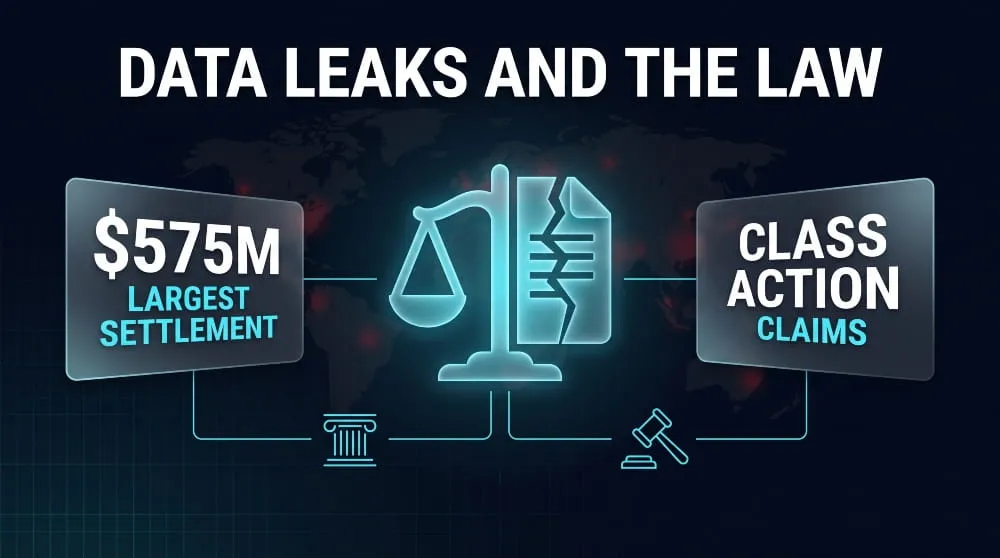
When a data leak does lead to legal action, it’s most often through a class action rather than an individual lawsuit, since the same negligence typically affects thousands or millions of people at once. Settlement structures usually offer two tiers: a smaller “no-proof” cash payment available to everyone in the class, and a larger reimbursement for people who can document specific losses tied to the breach, often paired with a few years of free credit monitoring. The scale varies enormously; smaller breaches settle in the low millions. At the same time, the largest cases have set records: Equifax’s 2017 breach resulted in a $575–700 million settlement, and T-Mobile’s 2021 breach led to a $350 million payout to affected customers. If you’ve received a breach notification letter, checking sites like classaction.org or the settlement administrator named in that notice is the most reliable way to find out whether you’re eligible to file a claim.
Frequently Asked Questions (FAQ’s)
What’s the difference between accidental exposure and a targeted attack?
Accidental exposure occurs through human error, such as a misconfigured server or a misdirected email, with no attacker involved at all. A targeted attack means someone deliberately broke into a system to steal information. The two often overlap; one frequently opens the door for the other.
How can I find out if my information has been exposed online?
Free checker tools let you search your email address, phone number, or password against known exposure databases in seconds. A password should never be typed directly into an unfamiliar tool; reputable checkers verify it without ever seeing the actual value.
What should I do first if I find out my information was exposed?
Secure the affected account immediately, starting with its password, and check whether you’ve reused it anywhere else. Turning on multi-factor authentication at this point closes off the most common way attackers exploit exposed credentials.
Is it worth using a password manager?
Yes, reusing passwords across accounts is one of the biggest reasons a single exposure can lead to several compromised accounts. A password manager makes it realistic to maintain unique, strong passwords for every account over the long term.
How much does an exposure incident typically cost a business?
Recent IBM research puts the global average at nearly $5 million per incident, with costs climbing sharply the longer a company takes to detect and contain it. Faster detection consistently correlates with significantly lower recovery costs.
Can a company be held responsible if my information was exposed?
Yes, if the company failed to take reasonable security precautions and you can show real harm resulted, such as fraud or identity theft. Many such cases are resolved through class action settlements rather than individual lawsuits.
Do small businesses face this risk too, or is it mainly large companies?
Small businesses are exposed just as often, frequently through a compromised vendor or a misconfigured cloud tool rather than a direct attack on their own systems. Company size has little bearing on whether basic security gaps get exploited.
How often should I check whether my information has appeared anywhere new?
Because new exposures surface constantly, a one-time check only reflects that moment; ongoing monitoring is what catches new appearances as they happen. Setting up continuous monitoring removes the need to recheck manually.
Akira Ransomware | Guide to the Group, TTPs, SonicWall/Cisco Attacks, CISA & FBI Advisories, and Recovery
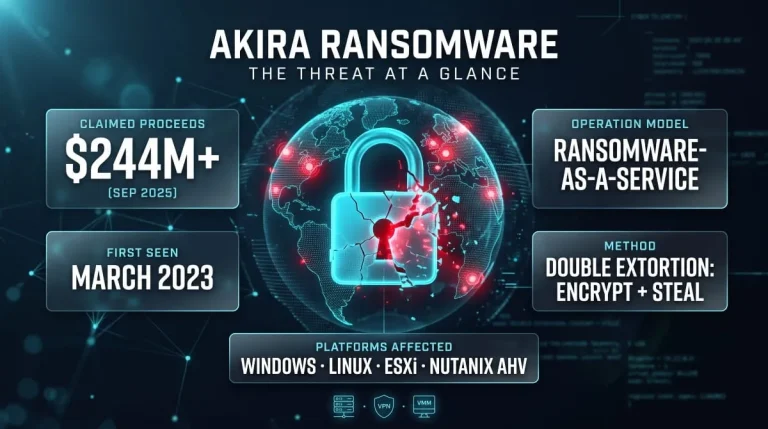
What Is Akira Ransomware? Akira ransomware is a ransomware-as-a-service (RaaS) operation active since March 2023 that steals a victim’s data and then encrypts their systems to…
Read more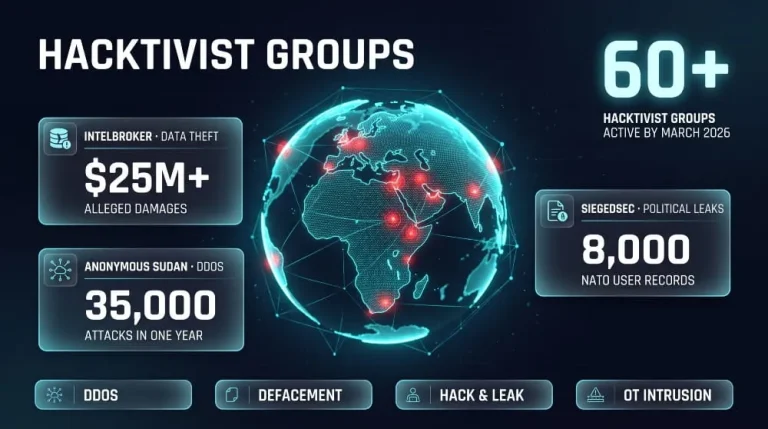
Hacktivist Groups to Watch | IntelBroker, Anonymous Sudan & SiegedSec (Threat Intelligence Guide)
IntelBroker, Anonymous Sudan and SiegedSec are three of the most closely tracked hacktivist and data-leak actors of recent years, and all three have drawn law-enforcement action.…
Read more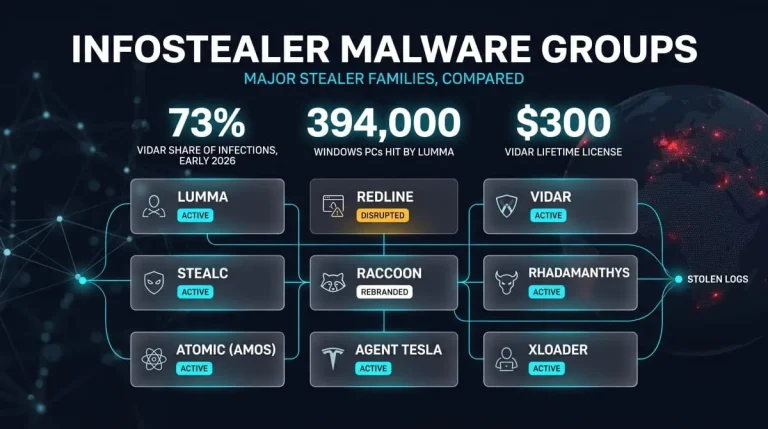
Infostealer Malware Groups | How Lumma, RedLine, Vidar, StealC, Raccoon and Other Stealers Work (and How to Detect and Remove Them)
Infostealer malware groups are distinct malware families, such as Lumma, RedLine, Vidar, StealC, and Raccoon, that steal saved passwords, session cookies, and crypto wallets from infected…
Read more