
Password Data Leak | What This Password Has Appeared in a Data Leak Really Means
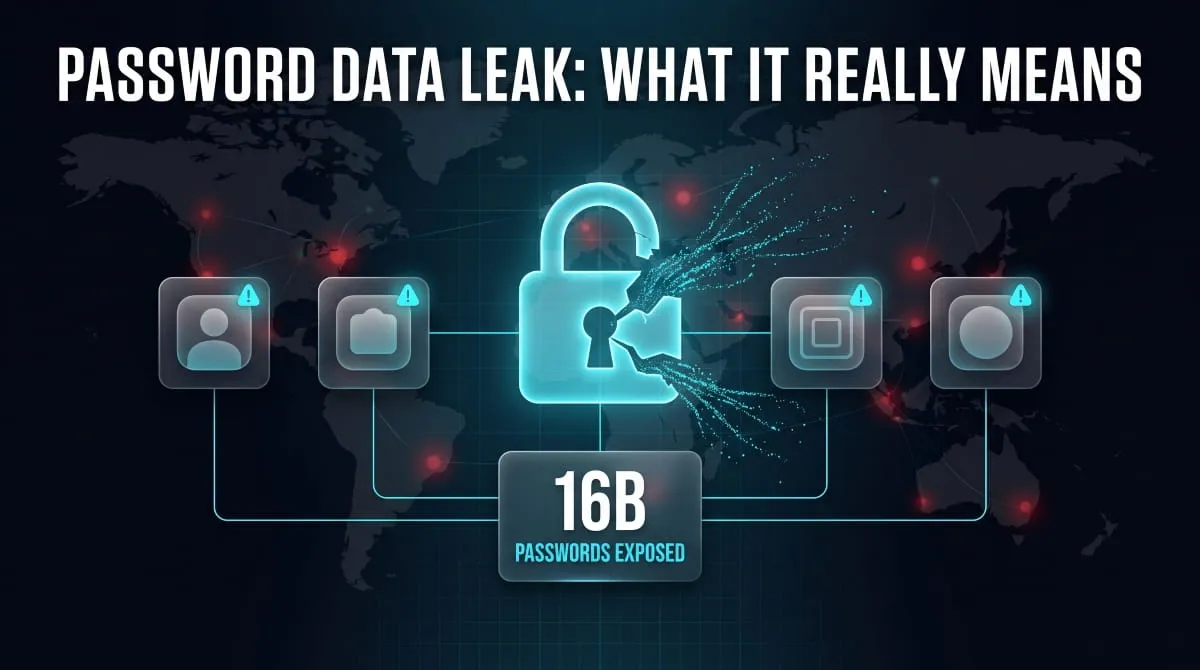
A password data leak means a password you’ve used matches one found in a database of exposed credentials, and it’s flagged so you can change it before someone else uses it against you. It doesn’t mean your device was hacked; it means the password itself has shown up somewhere it shouldn’t have.
What Is a Password Data Leak?
What the Alert Actually Means
When a browser, app, or password manager flags a “password data leak,” it’s comparing the passwords you’ve saved against a running list of credentials known to have been exposed in past leaks and breaches. A match doesn’t mean that specific account was broken into; it means the password itself, sometimes shared across unrelated services, has surfaced in leaked data somewhere. The alert exists to get ahead of a problem before it becomes active.
This Password Has Appeared in a Data Leak, Message, Explained Line by Line
The full alert typically reads something like: “This password has appeared in a data leak, which puts this account at high risk of compromise. You should change your password immediately.” Breaking that down, “has appeared in a data leak” confirms that a match was found in exposed credential data; “high risk of compromise” indicates that attackers actively test leaked passwords against other accounts; and “change your password immediately” is the actionable instruction the entire alert exists to deliver. None of it implies anything about how secure your device currently is.
Why Do My Passwords Keep Appearing in Data Leaks?
Reused Passwords Are the #1 Cause
The single biggest reason the same alert keeps resurfacing across multiple accounts is password reuse: one exposed password used on five different sites triggers the same warning five times. This is by far the most common pattern behind “why do all my passwords keep appearing in a data leak,” and it’s also the easiest one to fix, since a unique password per account contains the damage to a single flagged instance instead of cascading across your accounts.
You Don’t Need to Be Personally Hacked for This to Happen
A password can appear in a data leak without your device, your account, or even you personally being targeted at all. Credential databases are compiled over years from many unrelated sources: old breaches, infostealer malware on other people’s machines, recycled leak compilations. A password simply matching an entry in one of those databases is enough to trigger the alert, regardless of how it got there.
How Do Password Data Leaks Happen?
How Sites Check Your Password Against Leaked Databases
Most modern password-checking features use privacy-preserving cryptographic methods to compare your password against known leaked datasets without ever transmitting the actual password itself. This typically works by converting your password into a hash and only checking that hash against leaked-password databases, meaning the check happens without exposing your actual password, even to the service performing it.
Why Even Strong Passwords Can Get Flagged
A password doesn’t have to be weak to get flagged; it just has to match one already in a leaked dataset. This is precisely why the 2025 discovery of over 16 billion exposed login credentials mattered so much: researchers found the data wasn’t a single new hack, but a massive compilation pulled largely from infostealer malware logs siphoning saved credentials directly off infected devices, meaning even genuinely strong, well-constructed passwords can end up in a leak if the device storing them was compromised.
Where You’ll See This Warning
In Chrome and Google Password Manager
Chrome and Google Password Manager run this same type of check automatically, comparing saved passwords against known leaked-credential lists and surfacing a warning directly in your browser’s password settings when a match is found. It’s the same underlying concept as the alerts seen on other platforms, just built into Google’s ecosystem instead.
In Facebook, Instagram, and Other Apps
Social platforms like Facebook and Instagram increasingly run their own password-monitoring checks and will notify you in-app if a saved or recently used password matches leaked data. The wording and placement vary by platform, but the message underneath is identical: change this password before someone else uses it.
In Streaming and Gaming Platforms (Netflix, Roblox, Discord, Spotify)
Streaming and gaming platforms have adopted the same warning pattern, in part because accounts on these services are frequent targets of credential-stuffing attacks that use exactly the kind of leaked password lists described above. Seeing this alert on a gaming or streaming account isn’t a sign that the platform was specifically breached; it’s the same universal check running on a different login screen.
What to Do If Your Password Appeared in a Data Leak
Change the Password Immediately
Treat the alert as a direct instruction, not a suggestion; change the flagged password right away, and use a long, unique password (ideally generated automatically) rather than a modified version of your old one. Delaying gives attackers more time to test the leaked credential against your account before you close the gap.
Check Every Other Account Using That Password
If you’ve reused the flagged password anywhere else, change it there too. This is the step most people skip, and it’s the reason a leaked password often leads to several compromised accounts rather than staying contained to one. A password manager makes tracking this down far more realistic than trying to remember every site you’ve logged into.
Turn On Two-Factor Authentication
Two-factor authentication adds a second barrier that a leaked password alone can’t get past, even if the same credential resurfaces in a future leak. It’s a small setup step that meaningfully lowers the odds this specific type of warning ever turns into an actual account takeover.
How Serious Is a Password Data Leak? (Scale of Recent Incidents)
The 16 Billion Password Leak
In mid-2025, researchers at Cybernews uncovered 30 exposed datasets containing more than 16 billion login credentials tied to major platforms including Apple, Google, Facebook, and Telegram, not from a single breach at any of those companies, but from a massive compilation largely fueled by infostealer malware quietly siphoning saved credentials off infected devices over time. Google itself confirmed the data didn’t stem from a breach of its own systems. Researchers noted that the dataset mixed genuinely new infostealer logs with older, recycled leak data, but even accounting for that overlap, it remains one of the largest credential exposures ever documented and a clear illustration of how a single reused password can end up circulating far beyond the site where it was first created.
Other Notable Password Exposure Incidents
Earlier in 2025, security researcher Jeremiah Fowler independently discovered an unsecured server exposing roughly 184 million credentials, sitting fully accessible without a password requirement. Incidents like this are more common than the headline-grabbing mega-leaks suggest; smaller exposed databases surface regularly, often discovered by independent researchers scanning for misconfigured servers rather than by the companies whose users are affected.
How to Check If Your Password Was Leaked
Free Password Data Leak Checkers
You don’t need to wait for an in-app alert to find out if a password has been exposed; DeXpose’s Email Data Breach Scan checks a specific email address against known breach and dark web sources, surfacing which incidents it’s tied to. Running a proactive check, rather than waiting for a notification, lets you act on an exposure before it’s exploited.
What a Checker Actually Tells You
A good checker tells you which known breaches or leak sources your information appeared in, and often when that exposure was first recorded, giving you enough context to judge how urgent the risk actually is. It won’t tell you whether your specific account has already been misused, but it gives you the head start needed to change the password before that happens.
Frequently Asked Questions (FAQ’s)
Does this alert mean my account was actually hacked?
Not necessarily; it means the password matches one found in leaked data somewhere, not that your specific account has been accessed. It’s a warning to act before that becomes true, not confirmation that it already has.
Why do I keep getting this warning on different accounts?
It almost always comes down to password reuse: a single exposed password used across multiple sites will trigger the same alert on each site. Using a unique password per account is the most direct fix.
Is it safe for an app to check my password this way?
Yes, when implemented properly, most services use cryptographic methods that verify your password against leaked data without ever seeing or storing the actual password. The check happens without exposing your credentials.
Should I be worried if I get this warning a lot?
It’s worth taking seriously, but frequency alone doesn’t indicate a personal hack; it more often reflects how widely a password has been reused. Treat each instance as a prompt to change that specific password rather than a sign of an active attack.
Can this happen even if I never used my password on a sketchy site?
Yes, large compilations like the 2025 credential leak included passwords pulled by malware infecting other people’s devices, not necessarily anything you did. Exposure doesn’t always require a mistake on your part.
DDoS Protection | How It Works and How to Protect Against DDoS Attacks
DDoS protection combines tools and techniques to detect and filter malicious traffic from a distributed denial-of-service (DDoS) attack before it overwhelms a website, server, or network.…
Read more
Botnet Groups | How Mirai, Emotet, QakBot, Aisuru and Other Botnets Work (and How to Detect and Stop Them)
Botnet groups are networks of hacked devices run by criminal operators, who use them to steal data, spread ransomware, and launch DDoS attacks. Each group works…
Read more
What Is a Botnet? Definition, How Botnets Work, Types, Examples & How to Stay Protected
A botnet is a network of internet-connected devices, such as computers, phones, routers, and cameras, infected with malware and secretly controlled by an attacker. The attacker,…
Read more