
npm Malware: Latest Supply-Chain Attacks, How They Work & How to Protect Your Projects
What Is npm Malware?
npm malware is malicious code that is published to, or injected into, packages on the npm registry so that it runs on a developer’s machine or build server when the package is installed or imported. Attackers use it mainly to steal credentials such as npm and GitHub tokens, cloud keys, and SSH keys, and in worm campaigns to spread automatically to more packages.
It is a form of malware aimed at the software supply chain rather than at end users directly. npm is a natural target because modern JavaScript projects pull in hundreds of dependencies, many of them run scripts during installation, and developers tend to trust packages that are already in their lockfile.
npm Malware News: What Has Happened in 2026
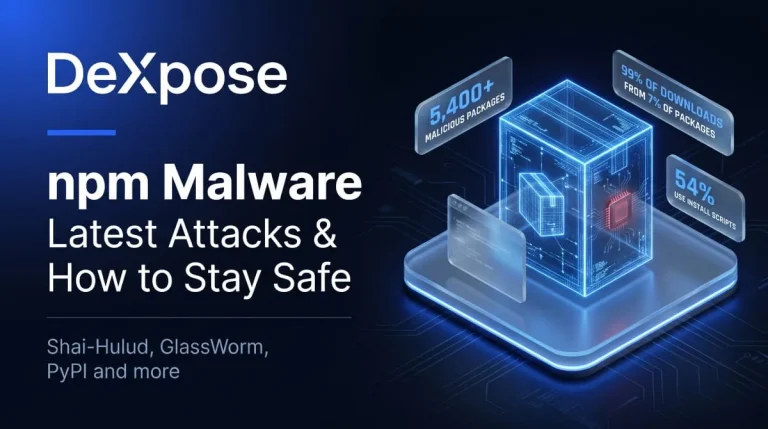
npm malware in 2026 has been dominated by a small number of high-impact compromises, not by thousands of fake packages. Databricks Threat Research analyzed roughly 5,400 confirmed malicious npm packages published between December 2025 and October 2026 and found that hijacked legitimate packages made up only 7% of them but more than 99% of the downloads. In other words, a handful of poisoned versions of trusted libraries account for nearly all of the real exposure.
The same analysis found that public advisories typically appear before the registry removes a package: the median advisory arrived about 1.7 days after publication for unattributed packages. In comparison, the registry’s security takedown followed at a median of about 7 days. The table below lists the main campaigns, newest first.
| When | Campaign | What happened |
| Aug 2026 | ChainDrop (Shai-Hulud family) | A self-propagating worm compromised more than 400 packages from unrelated publishers, including keyv, flat-cache, and cacheable libraries. Singapore’s Cyber Security Agency put the combined reach at about 2 billion monthly downloads. |
| Jun 2026 | IronWorm | A Rust-based infostealer infected 36 packages, hid behind an eBPF rootkit, used Tor for communication, and spread through stolen publishing credentials. It was caught early. |
| Jun 2026 | Red Hat scope compromise | At least 32 packages under the @redhat-cloud-services namespace were poisoned, with about 80,000 weekly downloads combined. |
| May 2026 | Dependency confusion | Microsoft found 33 malicious packages registered under scopes that mimic internal corporate namespaces, used to profile developer environments. |
| Apr 2026 | Mini Shai-Hulud, CanisterSprawl and a Bitwarden CLI lookalike | A wave targeted the SAP developer ecosystem, a separate worm spread through stolen npm tokens, and a fake @bitwarden/cli version 2026.4.0 stole cloud and CI/CD credentials. |
| Mar 31, 2026 | Axios compromise | Attackers hijacked the lead maintainer’s account and published two malicious Axios versions that delivered a remote access trojan. They were live for about three hours. |
| Mar 2026 | TeamPCP campaign | A chain of compromises ran from Trivy through GitHub Actions, npm (the CanisterWorm), and PyPI (LiteLLM and Telnyx). |
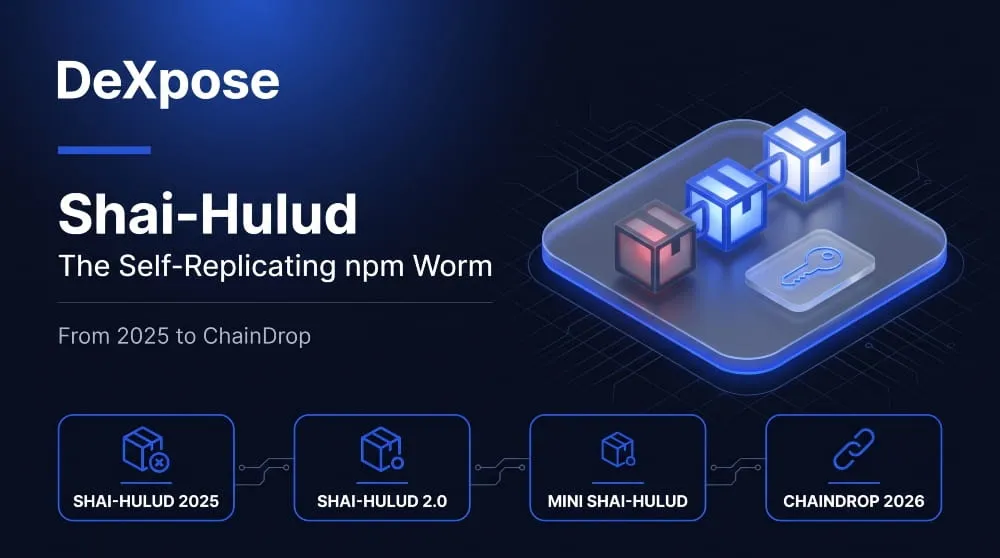
| Nov 2025 | Shai-Hulud 2.0 | A far more aggressive version of the worm hit hundreds of packages and exposed secrets in tens of thousands of GitHub repositories. |
| Oct 2025 | PhantomRaven and GlassWorm | A campaign of 126 packages hid payloads outside the registry, and GlassWorm began spreading through code-editor extensions. |
| Sep 2025 | Shai-Hulud | The first self-replicating npm worm spread through stolen maintainer tokens. |
Three patterns stand out. Worms now do much of the spreading, attackers increasingly go after build pipelines and maintainers instead of the registry itself, and developer tooling, including editor extensions and AI assistant configuration, has become a target in its own right.
Shai-Hulud: The Self-Replicating npm Worm
How Shai-Hulud started (September 2025)
Shai-Hulud is a self-replicating npm worm first reported by Socket and StepSecurity on 15 September 2025, when about 40 packages were affected, and the count climbed past 180 within a day or so. It stole secrets from the infected machine, used any valid npm tokens it found to publish poisoned versions of other packages controlled by the victim, and left a repository named Shai-Hulud behind. The name comes from the sandworms in Dune.
Shai-Hulud 2.0 (November 2025)
Shai-Hulud 2.0 was disclosed in late November 2025 and was considerably more aggressive. It ran during the preinstall step, before installation finished; disguised itself as a Bun runtime installer; persisted on CI runners; exposed stolen secrets through public GitHub repositories; and could attempt destructive behavior if its credential theft failed. Wiz reported more than 25,000 repositories exposing secrets. Security vendors stress that removing the bad package is not enough: credentials must be rotated and runner persistence audited.
Mini Shai-Hulud and ChainDrop (2026)
Shai-Hulud variants kept returning through 2026. Mini Shai-Hulud appeared in late April and targeted the SAP developer ecosystem, and it is widely attributed to the threat group TeamPCP. Databricks notes that the worm’s toolkit was later open-sourced, which helped the May and August waves. The August wave, called ChainDrop, took over maintainer accounts, inserted a loader and a preinstall hook into their packages, bumped the patch version, and republished them, according to Microsoft Threat Intelligence.
How npm Malware Works
Install-time execution
Most npm malware runs automatically when a package is installed, through lifecycle scripts such as preinstall and postinstall. The developer only types npm install, and the malicious script executes before any code review is possible. Databricks found that 54% of confirmed malicious packages declare a lifecycle script.
Import-time execution
The remaining malicious packages run when the code is imported or called, not at install time. This matters because blocking install scripts stops only part of the problem. A package that executes on require runs as soon as the application or test suite loads it.
Credential theft and worm spread.
Once running, npm malware searches for environment variables, .env files, npm and GitHub tokens, cloud credentials, SSH keys, Kubernetes secrets, and crypto wallets. Worms then use stolen npm publishing rights to inject themselves into every package the victim maintains, turning one infection into hundreds.
Exfiltration through trusted services
Attackers often send stolen data through legitimate services so that it blends in with normal traffic. Databricks found that 38% of malicious packages communicate with a legitimate third-party service such as serverless hosting, chat webhooks, code-hosting sites, or public blockchain nodes. Blocking known-bad domains alone therefore misses a lot.
How Attackers Get Malicious Code onto npm
Account takeover and maintainer social engineering
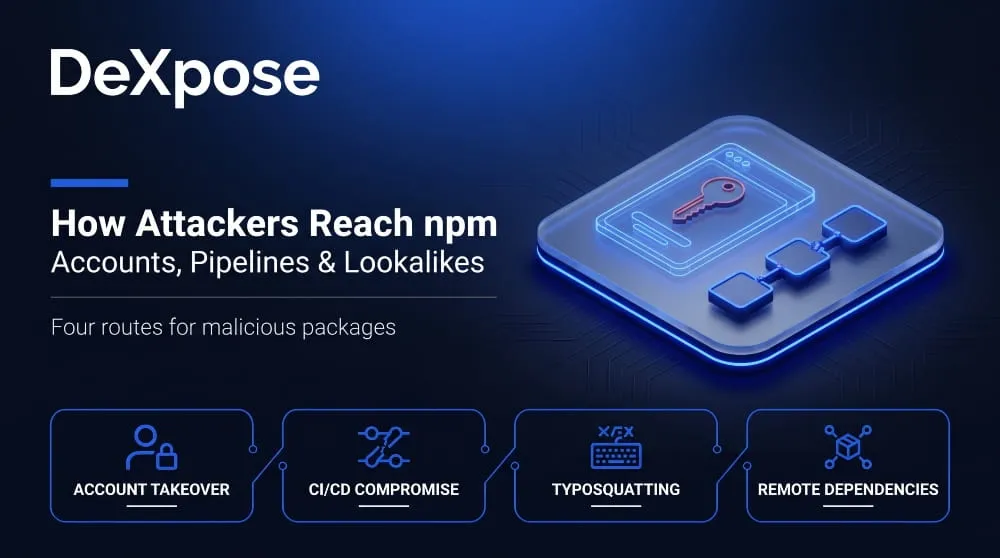
The most damaging route is taking over a real maintainer’s account. In the Axios case on 31 March 2026, attackers spent weeks targeting the lead maintainer with a fake company and a video call that prompted a bogus “update”. That update was a remote access trojan, which exposed the npm credentials. The attackers then published Axios versions 1.14.1 and 0.30.4 with a hidden dependency that installed a cross-platform RAT. Axios has roughly 100 million weekly downloads, and the poisoned versions were live for about three hours.
Compromised CI/CD and trusted publishing
After npm revoked its long-lived classic tokens on 9 December 2025, attackers shifted toward build pipelines. Databricks found that 85% of malicious packages published through trusted publishing were compromised legitimate packages. Trusted publishing proves that a package came from a pipeline, not that the pipeline itself was clean.
Typosquatting, slopsquatting and dependency confusion
Typosquatting uses names close to popular packages, and slopsquatting uses names that AI assistants tend to invent. Dependency confusion registers a public package under the name of a company’s internal one, so that a misconfigured build downloads the public, malicious version. Databricks counted more than 300 scopes registered by attackers in 2026, most of them only once.
Remote dynamic dependencies (PhantomRaven)
The PhantomRaven campaign, which Koi Security detailed in October 2025, hid its payload outside the registry. Its 126 packages appeared to have zero dependencies, but they pointed to an attacker-controlled URL that served the real malicious code at install time. Static scanners that only read the registry never saw it, and the packages were installed more than 86,000 times.
GlassWorm: Malware in Your Code Editor
GlassWorm is a self-propagating malware family that spreads through code-editor extensions rather than npm packages, and it is closely tied to the same supply chain. Koi Security first documented it in October 2025 on the Open VSX registry, where it hid malicious code with invisible Unicode characters and used the Solana blockchain for command and control. It stole npm, GitHub, and Git credentials and targeted dozens of crypto-wallet extensions.
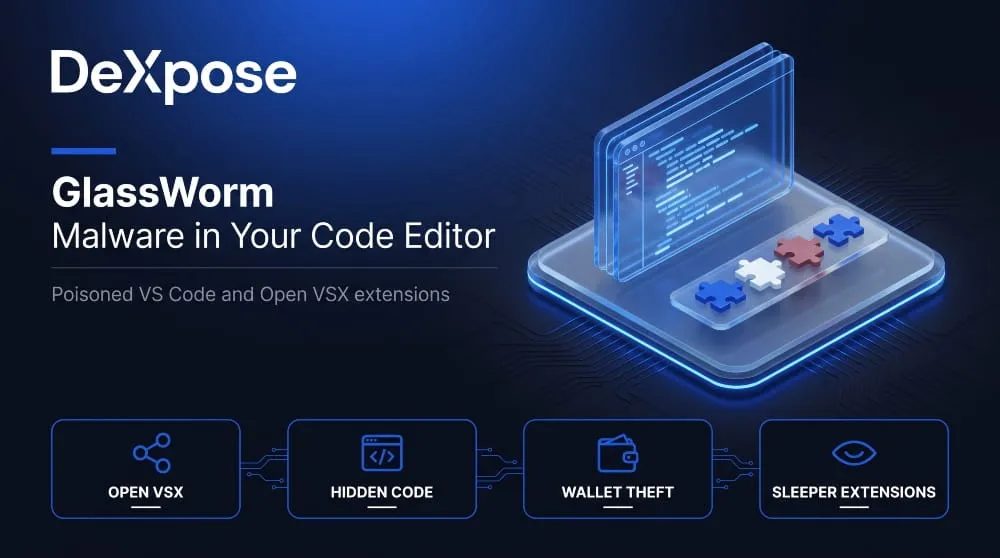
Later waves kept coming: 24 extensions across the Visual Studio Marketplace and Open VSX in December 2025, 72 extensions that hid the loader behind dependencies in March 2026, and 73 cloned “sleeper” extensions in April 2026 that installed a payload into VS Code, Cursor, Windsurf, and VSCodium. The practical lesson is to treat editor extensions as dependencies with full access to your machine.
PyPI Malware: The Same Playbook in Python
PyPI malware follows the same pattern as npm malware: poison a trusted package, steal publishing credentials, and spread. In March 2026, the TeamPCP group compromised Aqua Security’s Trivy scanner in CI/CD, stole a PyPI publishing token, and used it to publish LiteLLM versions 1.82.7 and 1.82.8. Version 1.82.8 added a litellm_init.pth file that ran on every Python startup, even if LiteLLM was never imported. The packages harvested cloud credentials, SSH keys, and Kubernetes secrets, and PyPI quarantined them the same day.
Three days later, attackers backdoored the Telnyx Python SDK (versions 4.87.1 and 4.87.2) with similar techniques. To protect Python projects, pin exact versions, use hash checking with pip install –require-hashes, and look for unexpected .pth files in site-packages.
How to Check Whether You Installed Malicious npm Packages
To check for malicious npm packages, compare your lockfile against the advisories for each campaign, then look for the side effects the malware leaves behind. Start by listing exactly which versions you installed, using npm ls <package> and your package-lock.json, and compare them with the affected versions in the vendor advisories.
Then look for signs of the malware itself. Check your GitHub account for unexpected repositories, including ones named Shai-Hulud, and for workflow files you did not add. Look for new preinstall or postinstall scripts in recent dependency updates, an unexpected Bun runtime on a build machine, and outbound connections from CI jobs to hosts you do not recognize. A clean result does not prove safety, because some payloads run once and leave little behind.
What to Do If You Installed a Malicious npm Package
If you installed a malicious npm package, treat every secret on that machine or CI runner as compromised and rotate it right away. Removing the package is not enough, because the malware has usually already copied the credentials.
Rotate npm, GitHub, cloud, Kubernetes, SSH, and .env secrets from a clean device, and revoke active sessions. Delete node_modules and reinstall from a verified lockfile, and audit CI runners for persistence and unexpected workflows. If you maintain packages, check whether new versions were published under your name and report them to npm. If a developer laptop was infected, follow our guide on removing malware and rebuilding the machine if you are not sure it is clean.
How to Protect Your Projects from npm Malware
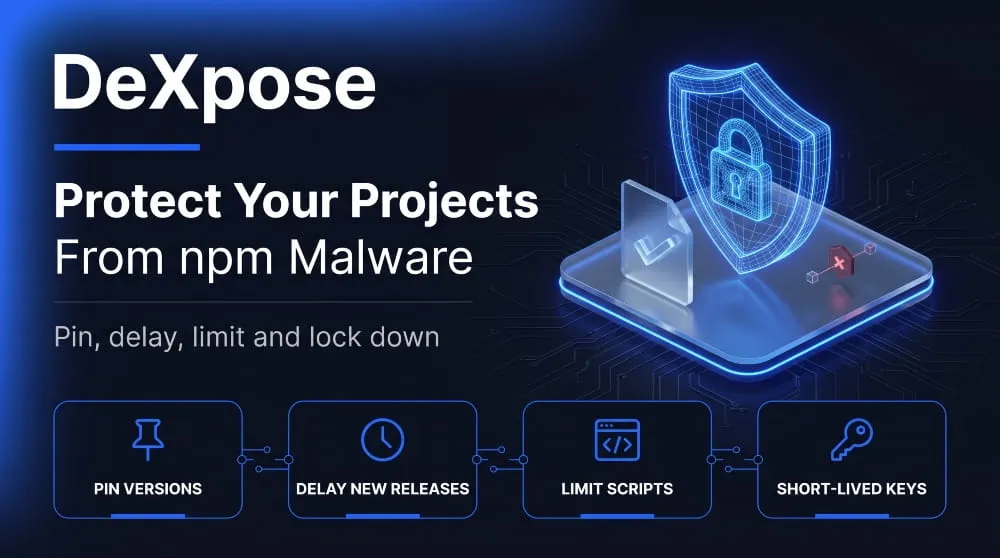
Pin versions and use lockfiles
Commit your lockfile and install with npm ci in CI, so builds use exactly the versions you reviewed. Avoid unpinned ranges for critical dependencies, and review dependency updates before merging them.
Delay adoption of brand-new versions
Most poisoned versions are caught within days. A registry proxy or update bot that waits a short time before adopting new releases gives researchers time to flag problems first.
Limit install scripts and watch for script changes.
Disabling lifecycle scripts, for example with –ignore-scripts, blocks a large share of attacks, but only part of them, because some malware runs on import. Combine it with monitoring for lifecycle-script changes between versions, since Databricks found that 78% of compromised versions add or modify one.
Reduce the credentials available to builds.
Use short-lived, job-scoped credentials in CI, keep secrets out of pull-request builds, and pin your CI actions. A worm can only steal what the build environment holds.
Protect maintainer accounts
If you publish packages, use phishing-resistant multi-factor authentication, and treat unexpected meeting invitations and urgent “update” requests as suspicious. The Axios attack succeeded because it targeted a person, not the registry.
Control internal scopes and outbound traffic.
Register your organization’s scopes on the public registry and configure internal scopes to resolve only from internal registries. Use an allowlist for build-time network access, since attackers frequently route traffic through legitimate services.
Why Stolen Developer Credentials Matter
Credentials stolen by npm malware give attackers a direct path into source code, cloud accounts, and customer data. Developer tokens and cloud keys are often worth more than a typical user password because they carry publishing rights and production access.
Some of this data is used immediately for further intrusions, and some may be traded. Infostealers operate the same way on ordinary devices, and the stolen logs can end up in underground markets. Our guides to infostealer malware and the combolist dark web ecosystem explain how stolen credentials travel and get reused. Monitoring for exposed employee credentials gives security teams an early warning that an infection or a leak has already happened.
Check Whether Stolen Credentials Have Already Been Exposed
If a developer machine or build runner may have been infected, the next question is whether any credentials have already leaked. DeXpose’s Free Dark Web Report checks whether your email or credentials appear in leaked datasets and infostealer logs, so you can rotate secrets before they are abused. Security teams can go further with breached credentials monitoring, which watches continuously for exposed employee and customer credentials.
Frequently Asked Questions (FAQ)
What is npm malware?
npm malware is malicious code delivered through packages on the npm registry. It runs when a package is installed or imported and usually steals credentials or spreads to other packages.
How does npm malware work?
It typically runs through install scripts such as preinstall and postinstall, or on import. It then collects secrets like npm tokens, cloud keys, and SSH keys, sends them to the attacker, and, in worms, uses the stolen publishing rights to infect more packages.
What is Shai-Hulud?
Shai-Hulud is a self-replicating npm worm first reported in September 2025. It steals developer credentials and uses stolen npm tokens to poison other packages; variants such as Shai-Hulud 2.0, Mini Shai-Hulud, and ChainDrop have since appeared.
What is GlassWorm?
GlassWorm is a self-propagating malware family that spreads through VS Code and Open VSX extensions. It steals developer credentials and crypto wallets and has reappeared in several waves since October 2025.
Is PyPI affected too?
Yes. The same attackers and techniques have hit PyPI. In March 2026, malicious LiteLLM versions 1.82.7 and 1.82.8 and Telnyx versions 4.87.1 and 4.87.2 were published after stolen publishing credentials were used.
How many malicious npm packages are there?
Databricks Threat Research confirmed about 5,400 malicious npm packages published between December 2025 and October 2026. Compromised legitimate packages were only 7% of them but accounted for more than 99% of downloads.
How do I know if I installed a malicious npm package?
Compare your lockfile versions with the affected versions in the vendor advisories, then look for unexpected GitHub repositories, new lifecycle scripts, unfamiliar workflow files, and suspicious outbound connections from build jobs.
What should I do if I installed a malicious npm package?
Treat all secrets on that machine or runner as compromised and rotate them from a clean device. Reinstall dependencies from a verified lockfile, audit CI persistence, and rebuild the machine if you are unsure it is clean.
Does disabling install scripts stop npm malware?
It stops a large share of attacks but not all of them. Databricks found that 54% of malicious packages declare a lifecycle script, so the rest run on import and need other controls.
How to Remove Malware | Step-by-Step Guide to Delete, Uninstall & Clean an Infected Device (Complete Guide)
To remove malware, disconnect from the internet, restart in Safe Mode with Networking, and run a full security scan to delete what it finds. Next, uninstall…
Read more
How to Scan for Malware: Step-by-Step Ways to Check, Detect & Find Malware (Complete Guide)
How to Scan for Malware: The Quick Answer The 5-step answer in one paragraph To scan for malware, update your system, run a full scan with…
Read more
Types of Malware | 15+ Examples, How Each Works & How to Tell Them Apart (Complete Guide)
The main types of malware are viruses, worms, trojans, ransomware, spyware, adware, keyloggers, rootkits, backdoors, botnets, infostealers, fileless malware, cryptojackers, wipers, and logic bombs. Each type…
Read more